Skip navigation
  1. Home
  2. Features
  3. Google Form Auto Filler
Standard form filling

Automatic Google Form filler on the web, no extension needed

A web-based auto form filler: import a Google Form, prepare answers, check ratios and the schedule before creating responses.
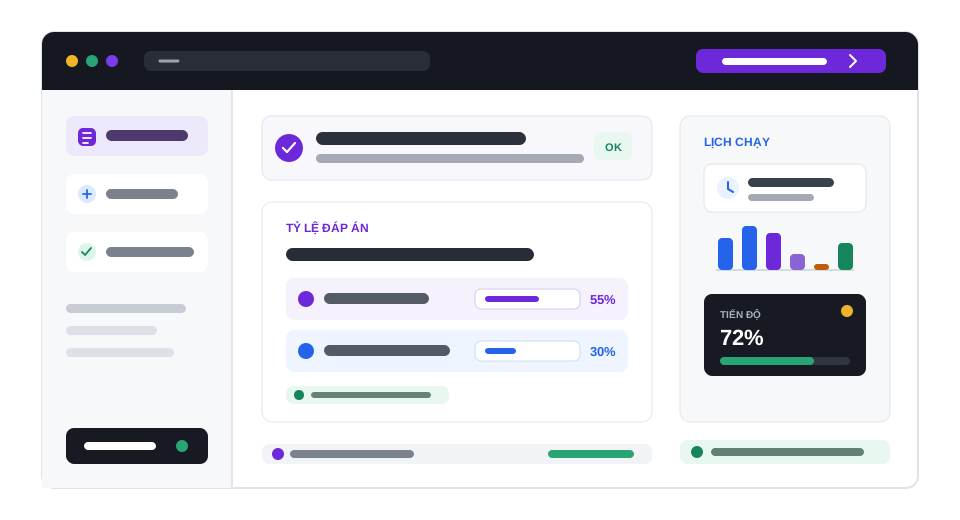
Google Form Auto Filler illustration

Quick facts updated

Price per response
2 Credit (<10 questions), 4 Credit (10–20 questions), 5 Credit (≥21 questions)
Conversion
1 Credit = 40 VND; minimum top-up 30.000 VND
Offer
100 Credit/month for accounts with a verified email (conditions apply)
What you need
Google Form edit link (…/forms/d/FORM_ID/edit)
Not supported
File-upload questions; forms collecting "Verified" emails
See it in the product

Visual setup on the imported data

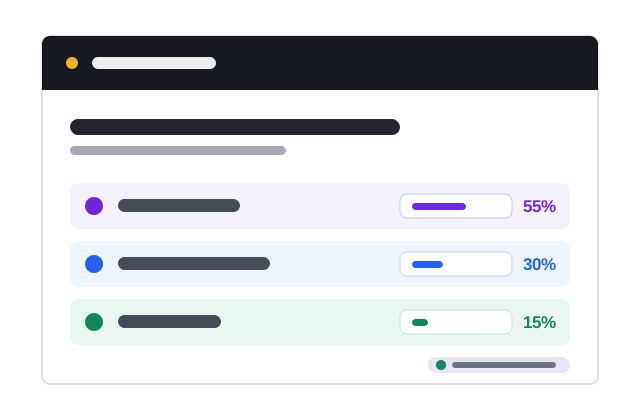
Key information is shown as status, ratios and check results instead of a long block of instructions.
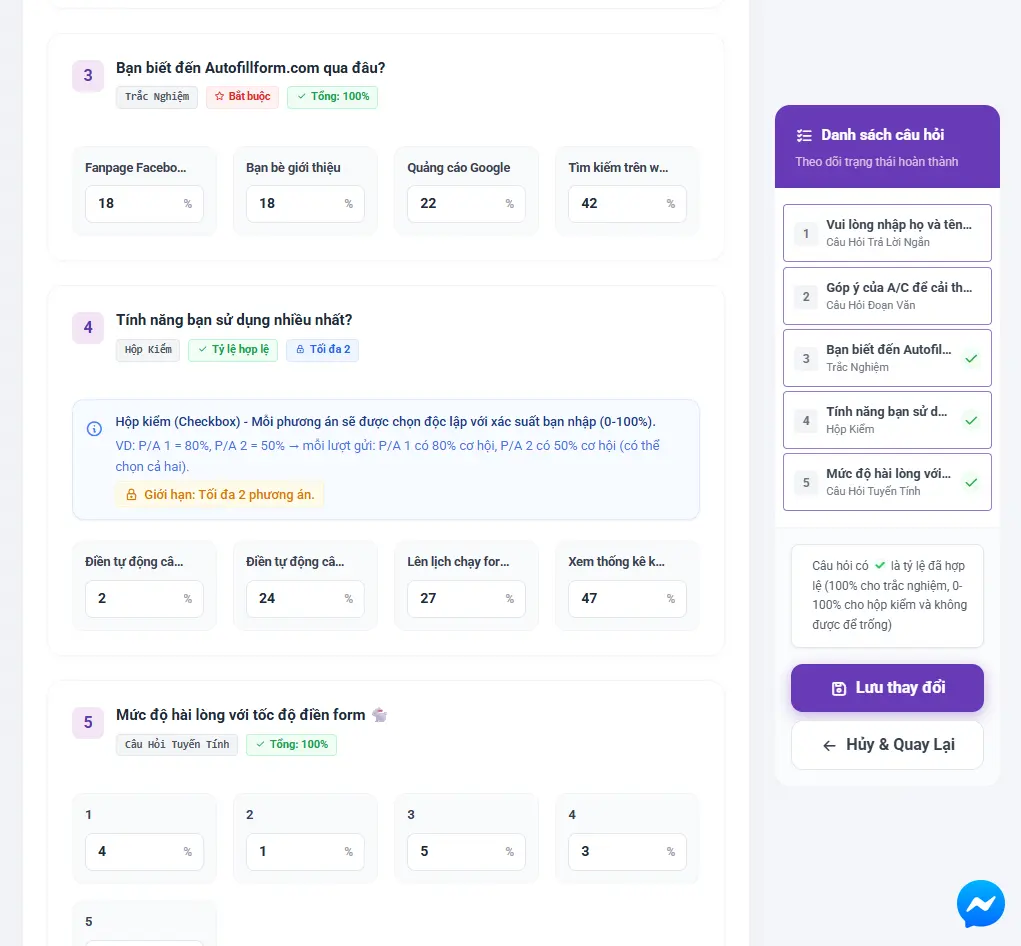
100% Ratio total
4 Sample choice
Ready Status
Import form Configure Check Create order
The real question and ratio setup in AutoFillForm
Ratios and rules are checked before saving
What it does

How does form autofill work?

Unlike extensions that only re-enter personal data in the browser, AutoFillForm reads the form structure and prepares many responses from your settings. Every order shows the data, schedule and cost before you confirm.

Imports questions, choices, required fields and sections from a Google Form link.
Sets answer ratios, open-answer data lists and rules between questions.
Run continuously or spread out by finish time and gap between responses.
Review the setup, responses and cost before the response queue is created.
Works directly on the web, no Google Form auto-filler extension to install.
How it works

How to use the Google Form Auto Filler in 3 steps

Every step has a clear status and check.

  1. 1

    Import Google Form

    Paste the form link so its questions and choices are read.
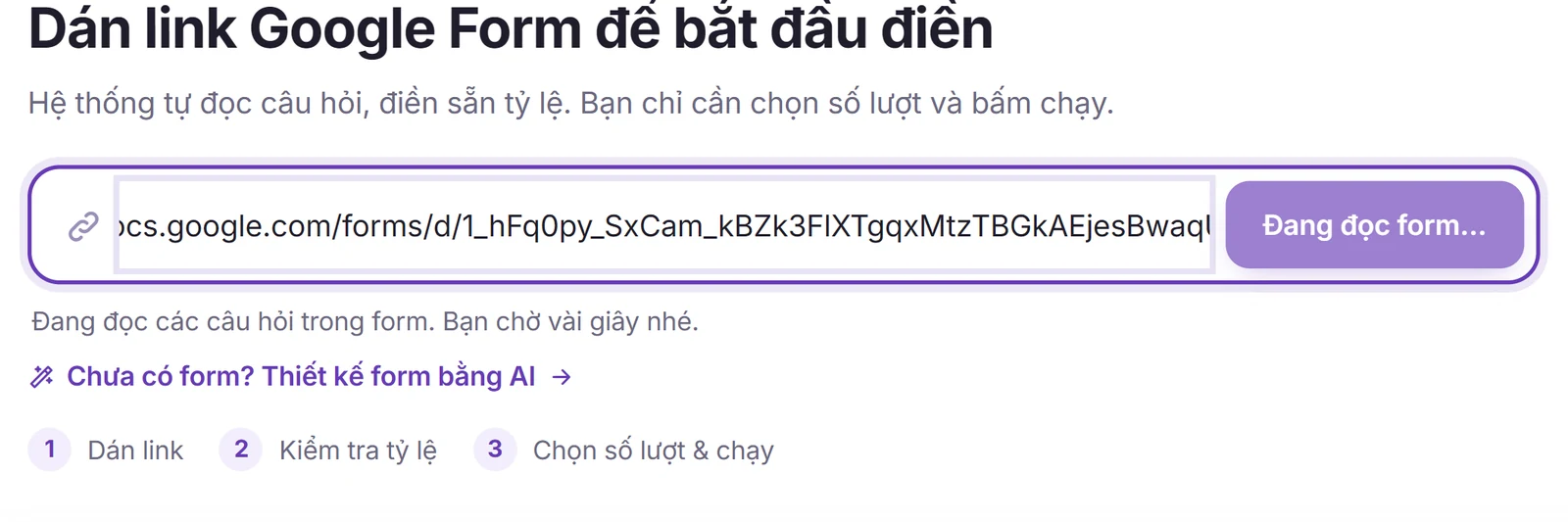
    Paste the Google Form edit link into the Start box on the AutoFillForm home page
    Paste the Google Form edit link into the Start box on the AutoFillForm home page
  2. 2

    Set up the form autofill

    Prepare ratios, custom data, rules and the number of responses.
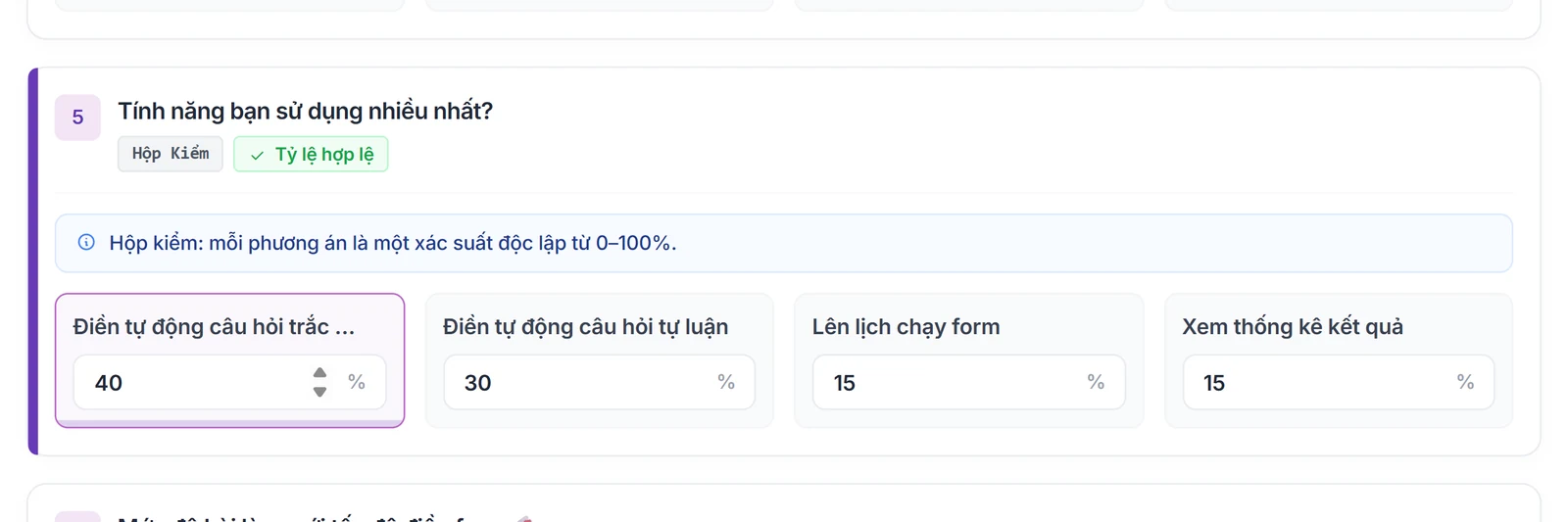
    Set a percentage for each answer on the Question settings page
    Set a percentage for each answer on the Question settings page
  3. 3

    Check, then run

    See the expected schedule, cost and every warning before confirming.
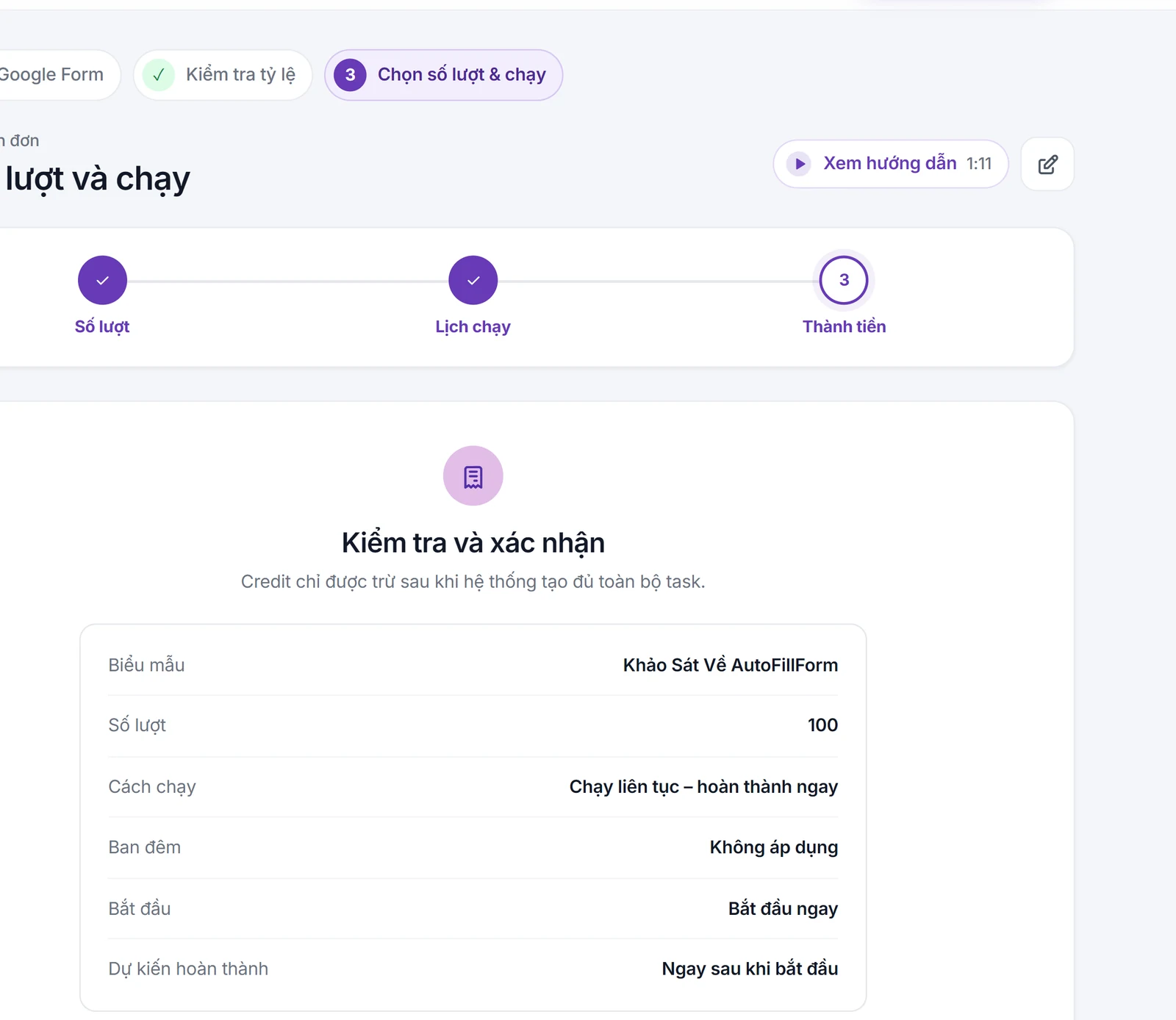
    The Review and confirm step: responses, run mode, start time and expected finish
    The Review and confirm step: responses, run mode, start time and expected finish

What you need

  • You are allowed to use the form and it is still accepting responses.
  • People with the link must be able to open the Google Form under the owner's settings.
  • Required data, ratios and rules must be valid before ordering.

Limits to know

  • The tool does not find correct answers or get past sign-in, CAPTCHA or Google Form access restrictions.
  • This is a survey-response setup tool, not an autofill for passwords or personal details on every website.
Quick answers

Frequently asked questions

A tool that prepares and sends Google Form responses from the data, ratios and schedule the user sets. AutoFillForm runs on the web and shows a review step before creating the order.
No. Sign in to AutoFillForm in your browser, import the form from its link and set it up on the website.
Yes, once you import the form and complete the required data. The system only runs the approved setup and stays within Google Forms' access limits.
Not arbitrarily. Choice questions use the ratios or rules you set; open questions use your prepared data or AI content you review first.
100 Credit for new accounts

Start with your form

Import, set up and see the cost before running.
Create a free account