Skip navigation
  1. Home
  2. SPSS research models
Research data

Generate sample SPSS data for a research model: generate, test, export

Build a model from Google Form questions, generate a structured Likert data set and only save the result when it passes the quality gate you configured.

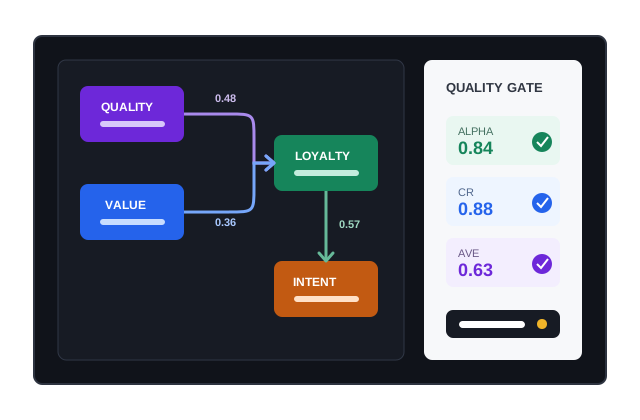
SPSS research model illustration

Quick facts updated

SPSS order price
2,5 / 4,5 / 6 Credit/response (<10 / 10–20 / ≥21 questions)
AI model building
10–50 Credit, needs a minimum balance of 10 Credit
Generate data
Free
Indicators checked
Cronbach's Alpha, CR, AVE, outer loading, HTMT, VIF, R²
See it in the product

Indicators checked before the data is used

Key information is shown as status, ratios and check results instead of a long block of instructions.

≥ 0,70 Alpha / CR
≥ 0,50 AVE
≤ 5,0 VIF
Import form Configure Check Create order
Visual model of SPSS research models
Model and indicators shown visually
What it does

A separate research workflow

The SPSS module has its own editor, data generator, quality gate, import/export and submit queue. Features appear according to the rollout set by the administrator.

Assign questions to constructs, choose the Likert scale and set reverse-coded items.
Declare paths, mediation, moderation and question rules.
Controlled regeneration until the data passes the quality gate or the attempts run out.
Measures Cronbach's Alpha, CR, AVE, outer loadings, HTMT, VIF, Mean/SD and path coefficients.
Use data that meets the standard to export files or queue form filling.
How it works

How to use SPSS research models in 3 steps

Every step has a clear status and check.

  1. 1

    Design the model

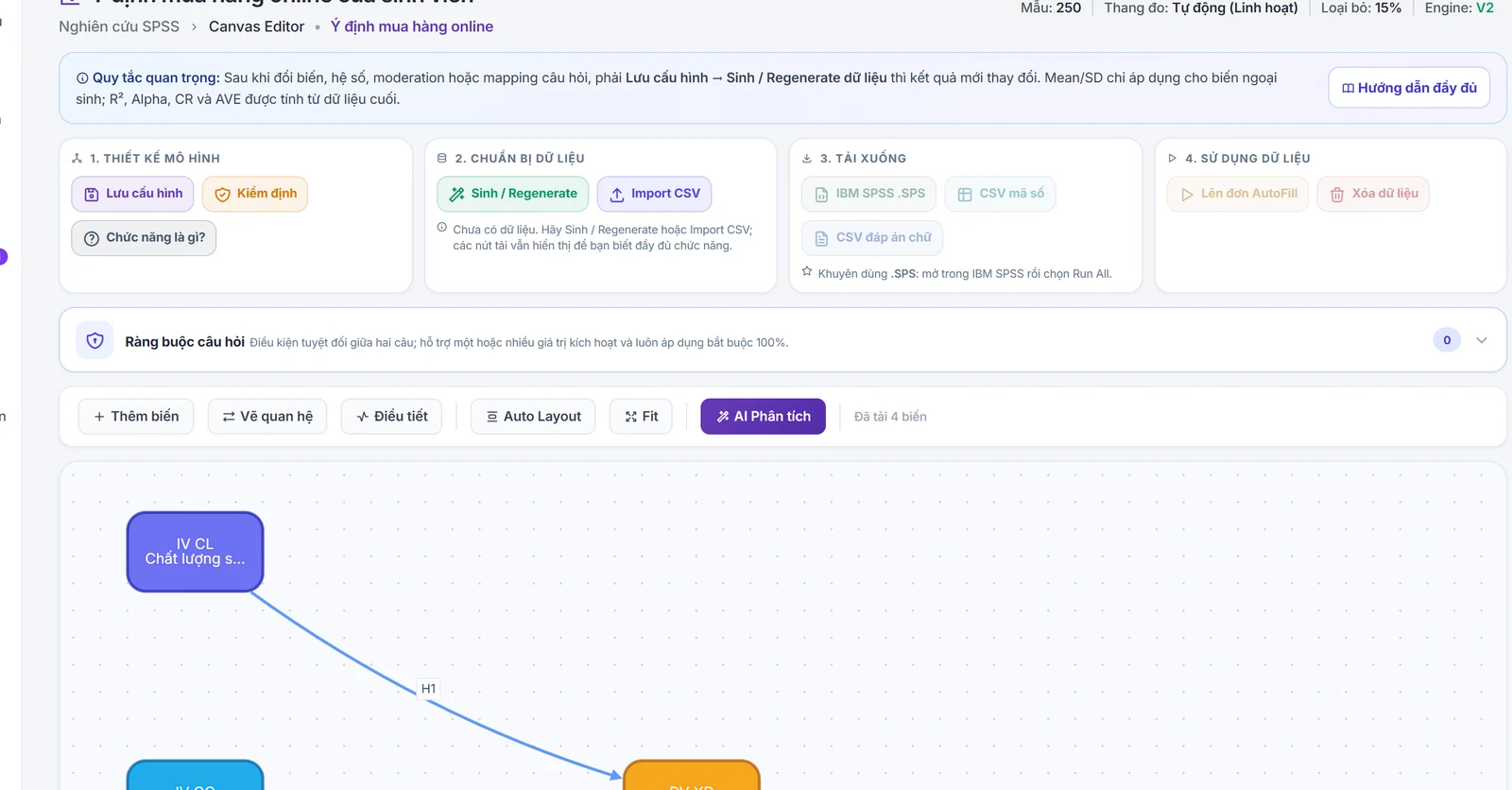
    Create constructs, map questions and declare relationships between variables.

    A research model on the canvas: variables, questions assigned to variables and hypotheses H1–H3
    A research model on the canvas: variables, questions assigned to variables and hypotheses H1–H3
  2. 2

    Generate and test

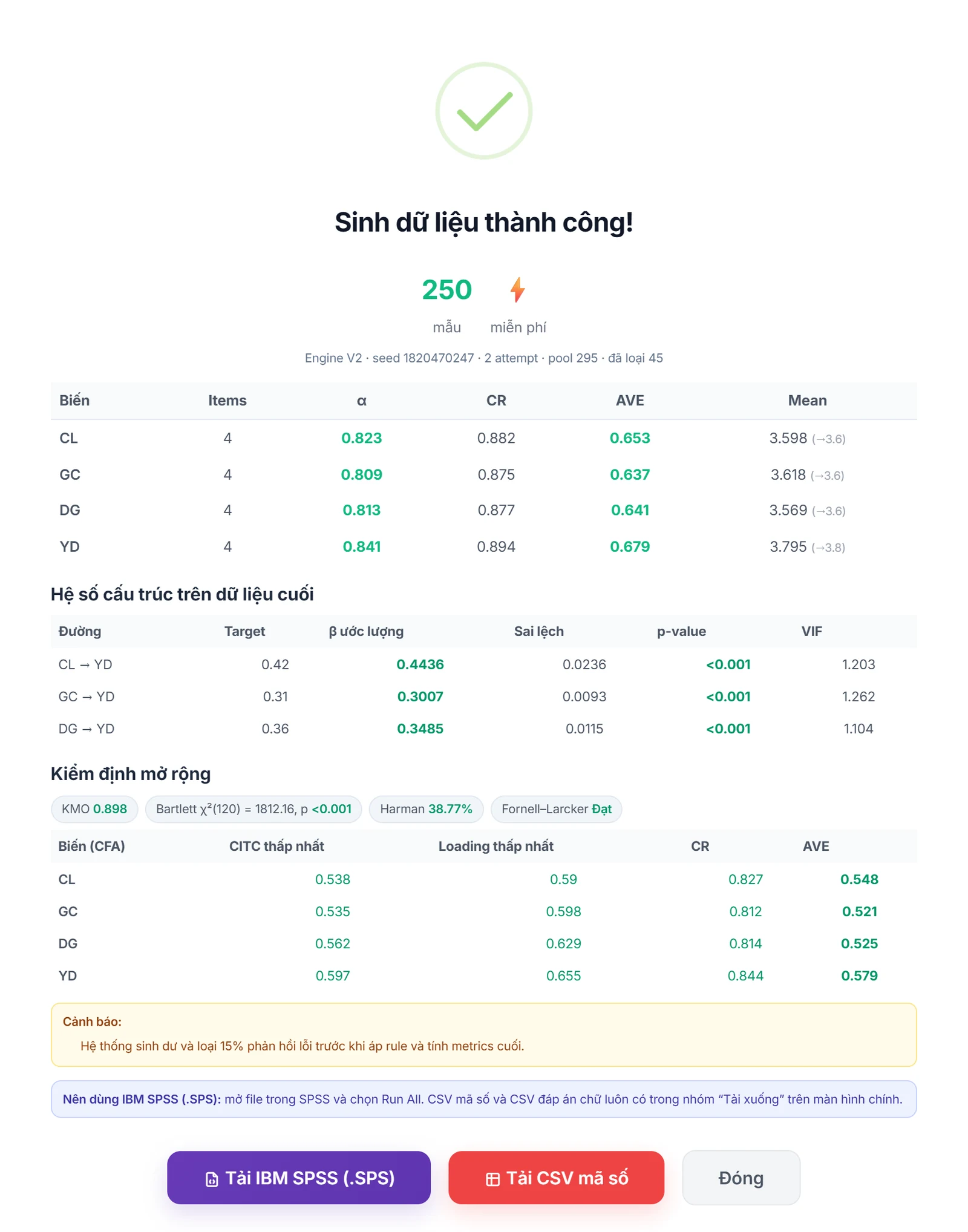
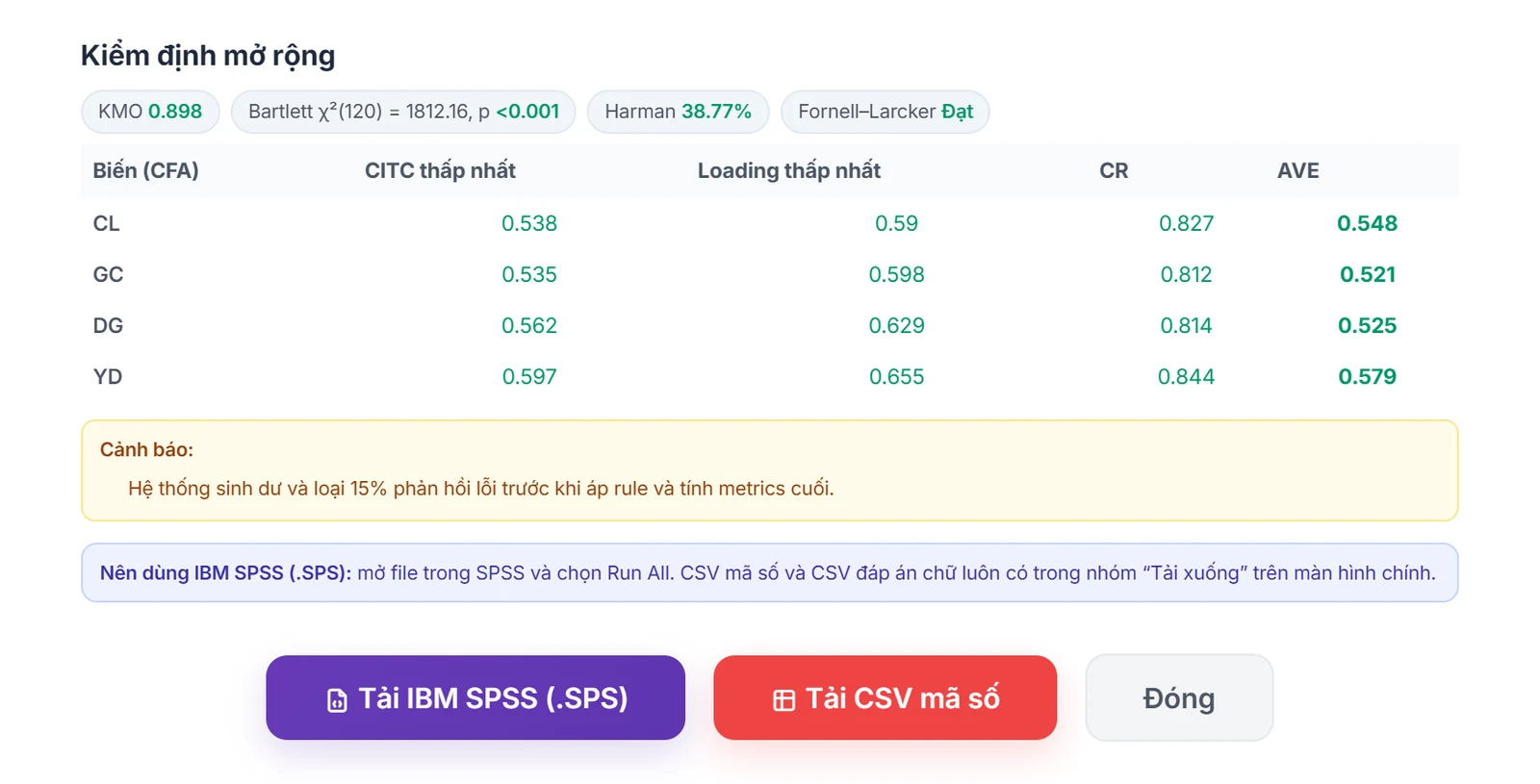
    The engine creates data, drops bad responses and recomputes every indicator on the final data.

    Data generated: Cronbach's Alpha, CR, AVE, β coefficients, KMO and Bartlett on the final data
    Data generated: Cronbach's Alpha, CR, AVE, β coefficients, KMO and Bartlett on the final data
  3. 3

    Export or use

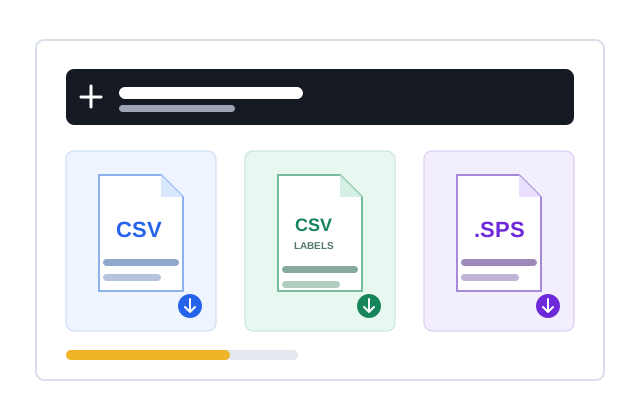
    Download CSV/.SPS or create an SPSS order once the data is ready.

    Download the IBM SPSS .SPS file or coded CSV as soon as the data meets the standard, or create an SPSS fill order
    Download the IBM SPSS .SPS file or coded CSV as soon as the data meets the standard, or create an SPSS fill order

What you need

  • The form needs suitable groups of questions to build constructs, usually Likert scales.
  • The model must have no cycles and the variables must be mapped to the right questions.
  • The module must be enabled by the administrator for the account or system.
Limits to know

  • Test results are technical support and do not replace the researcher's methodological decisions.
  • Mathematically conflicting indicator targets can stop the data from passing the quality gate.
Quick answers

Frequently asked questions

No. The engine tries to calibrate within limits; models or targets that are not feasible show clearly which indicator failed.
Not in the V2 workflow. Data is only saved after passing the required checks you configured.
100 Credit for new accounts

Start with your form

Import, set up and see the cost before running.

Create a free account