Skip navigation
  1. Home
  2. SPSS research
  3. Export SPSS data
Research data

Export SPSS (.sps) and CSV files with variable labels

Download the prepared data set in the right format for analysis or for checking the answers.
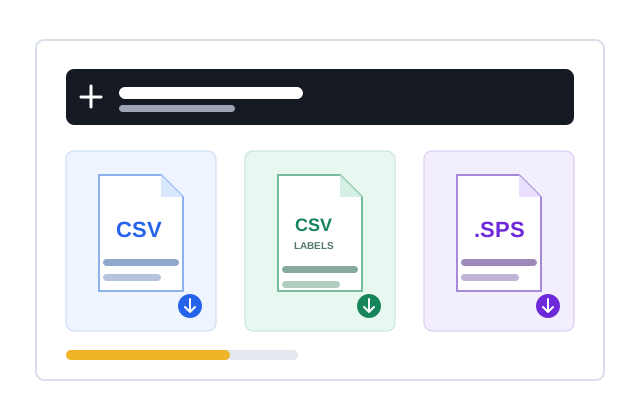
SPSS export illustration

Quick facts updated

Output
Coded CSV, text-answer CSV, IBM SPSS .sps syntax
Labels
Variable and value labels in the .sps file
Not included
.sav result files or Word reports
See it in the product

Indicators checked before the data is used

Key information is shown as status, ratios and check results instead of a long block of instructions.

≥ 0,70 Alpha / CR
≥ 0,50 AVE
≤ 5,0 VIF
Import form Configure Check Create order
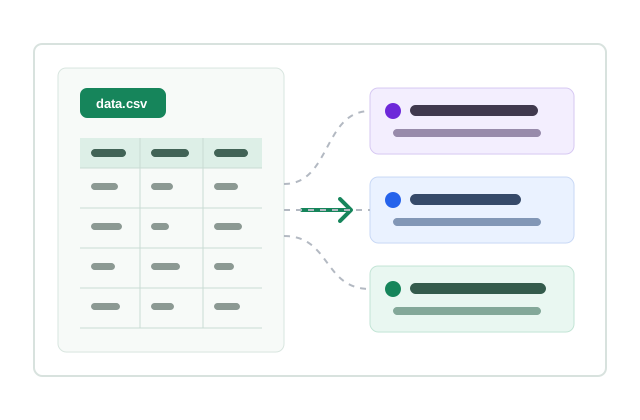
Visual model of SPSS data export
Model and indicators shown visually
What it does

Three real outputs

Download the coded CSV, a CSV mapped to answer labels and an .SPS file with syntax and data to open in IBM SPSS.

Compact coded CSV for statistical processing.
Text-answer CSV to cross-check response content.
An .SPS file that defines the data and value labels in IBM SPSS.
Multi-select checkbox questions stay readable and usable.
How it works

How to export SPSS data in 3 steps

Every step has a clear status and check.

  1. 1

    Finish the data

    Generate or import the data set and resolve every error reported.
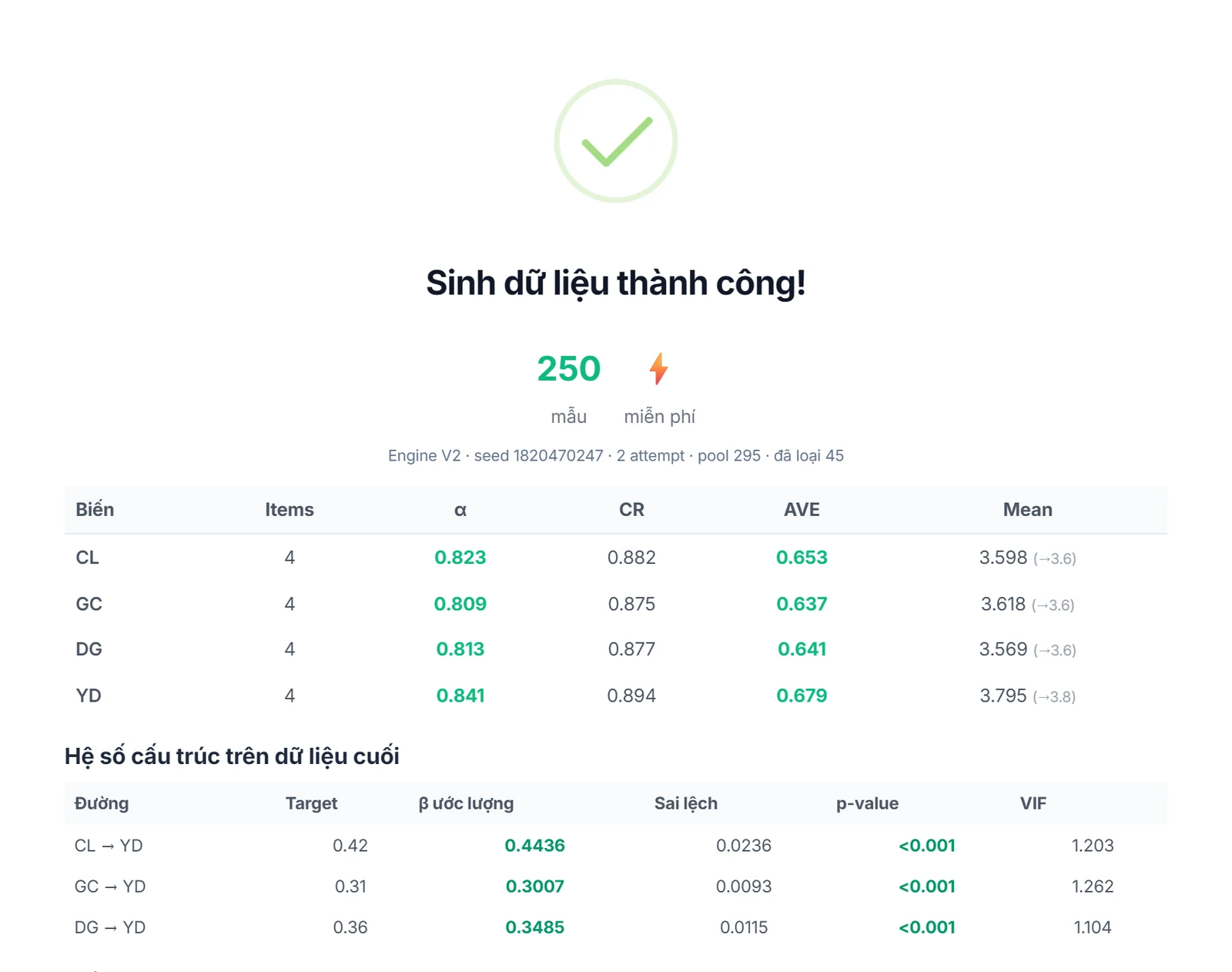
    The data set has passed Alpha, CR and AVE before export
    The data set has passed Alpha, CR and AVE before export
  2. 2

    Choose the format

    Use coded CSV, text-answer CSV or .SPS syntax as needed.
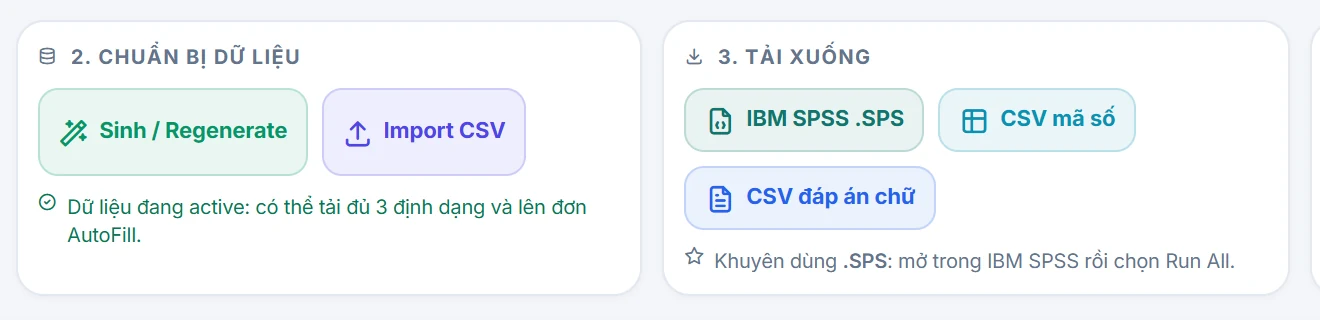
    Choose a format: IBM SPSS .SPS, coded CSV or text-answer CSV
    Choose a format: IBM SPSS .SPS, coded CSV or text-answer CSV
  3. 3

    Continue the analysis

    Open the data in a statistics tool and do your own expert analysis.
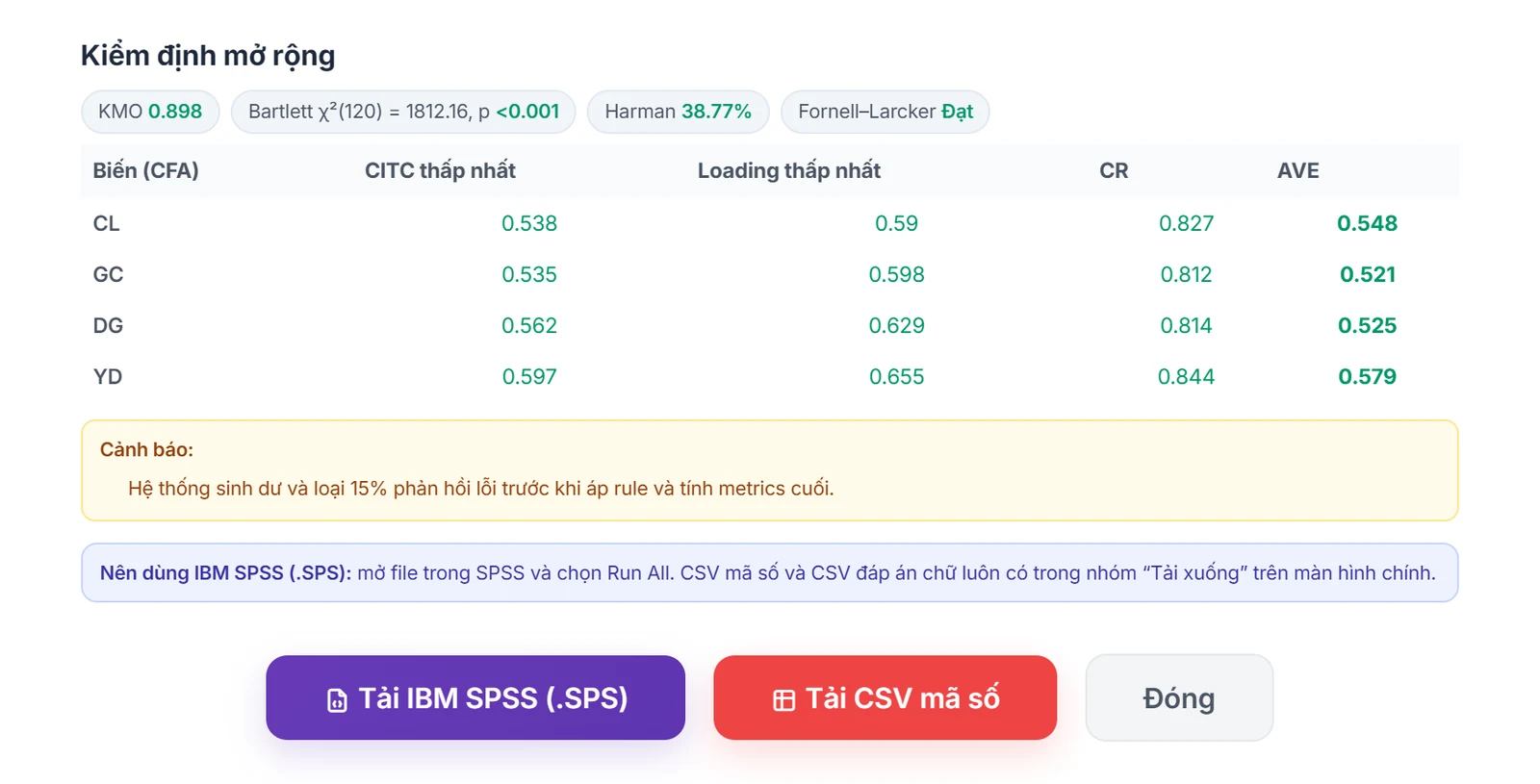
    Extended tests and buttons to download .SPS and CSV files for further analysis
    Extended tests and buttons to download .SPS and CSV files for further analysis

What you need

  • The model must have a saved data set still in sync with the current settings.
  • IBM SPSS or a compatible tool is needed to run the .SPS syntax file.

Limits to know

  • It does not create academic Word reports or interpret results for the researcher.
  • The .SPS file is syntax/data, not a ready-run .SAV result file.
Quick answers

Frequently asked questions

No. It exports data and syntax; the analysis, interpretation and report writing are up to the researcher.
The coded CSV suits quantitative analysis; the text-answer CSV makes it easy to read and cross-check content by choice label.
100 Credit for new accounts

Start with your form

Import, set up and see the cost before running.
Create a free account