Skip navigation
  1. Home
  2. Features
  3. Spread & scheduled filling
Standard form filling

Run Google Form surveys spread over time, with a scheduled start

Finish within a set time or set a pause between responses, with the expected end shown before you confirm.
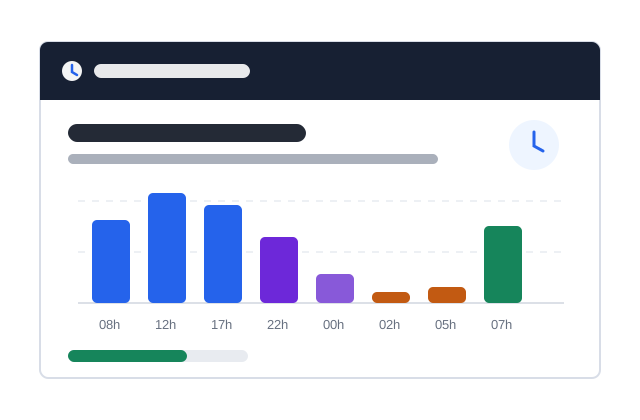
Spread & scheduled filling illustration

Quick facts updated

Completion time
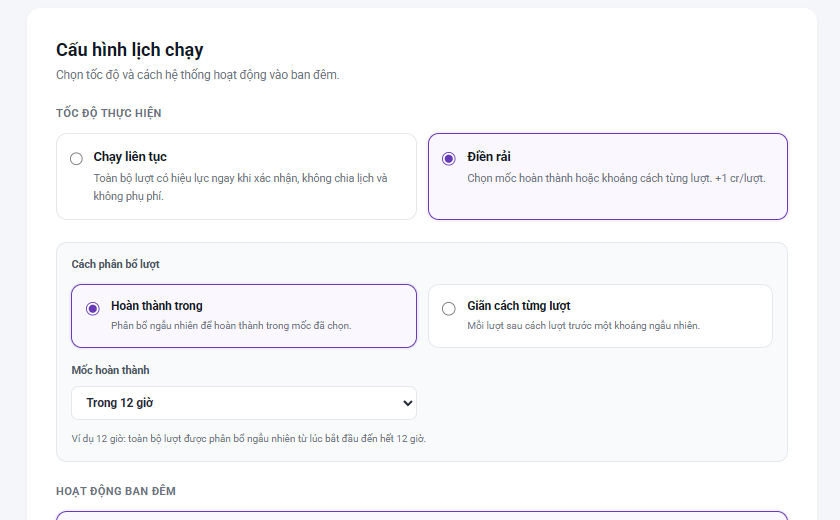
1, 2, 12, 24 hours or your own choice from 15 minutes to 30 days
Gap per response
1–3, 3–5, 5–10 or 10–20 minutes
Night
Normal, pause 22:00–07:00 or much less at night
Surcharge
+0,5 Credit/response (<21 questions), +1 Credit/response (≥21 questions)
Run now
Skip the schedule for waiting responses, free
See it in the product

The schedule is checked before ordering

Key information is shown as status, ratios and check results instead of a long block of instructions.
3–5 minutes Sample gap
250 Expected responses
Yes Schedule
Import form Configure Check Create order
The real spread-filling and finish-time screen in AutoFillForm
Finish within a time or space out each response
What it does

Two clear ways to schedule

Set a target to finish within 1, 2, 12, 24 hours or a custom duration; or choose a random gap between responses such as 3-5 minutes.

Run continuously to queue every response at once.
Spread out by finish time or by gap between responses.
Start now or schedule a time in the future.
Run normally, pause or slow down at night.
See the expected finish time before placing the order.
How it works

How to use Spread & scheduled filling in 3 steps

Every step has a clear status and check.

  1. 1

    Enter responses

    Choose how many responses to create for the configured form.
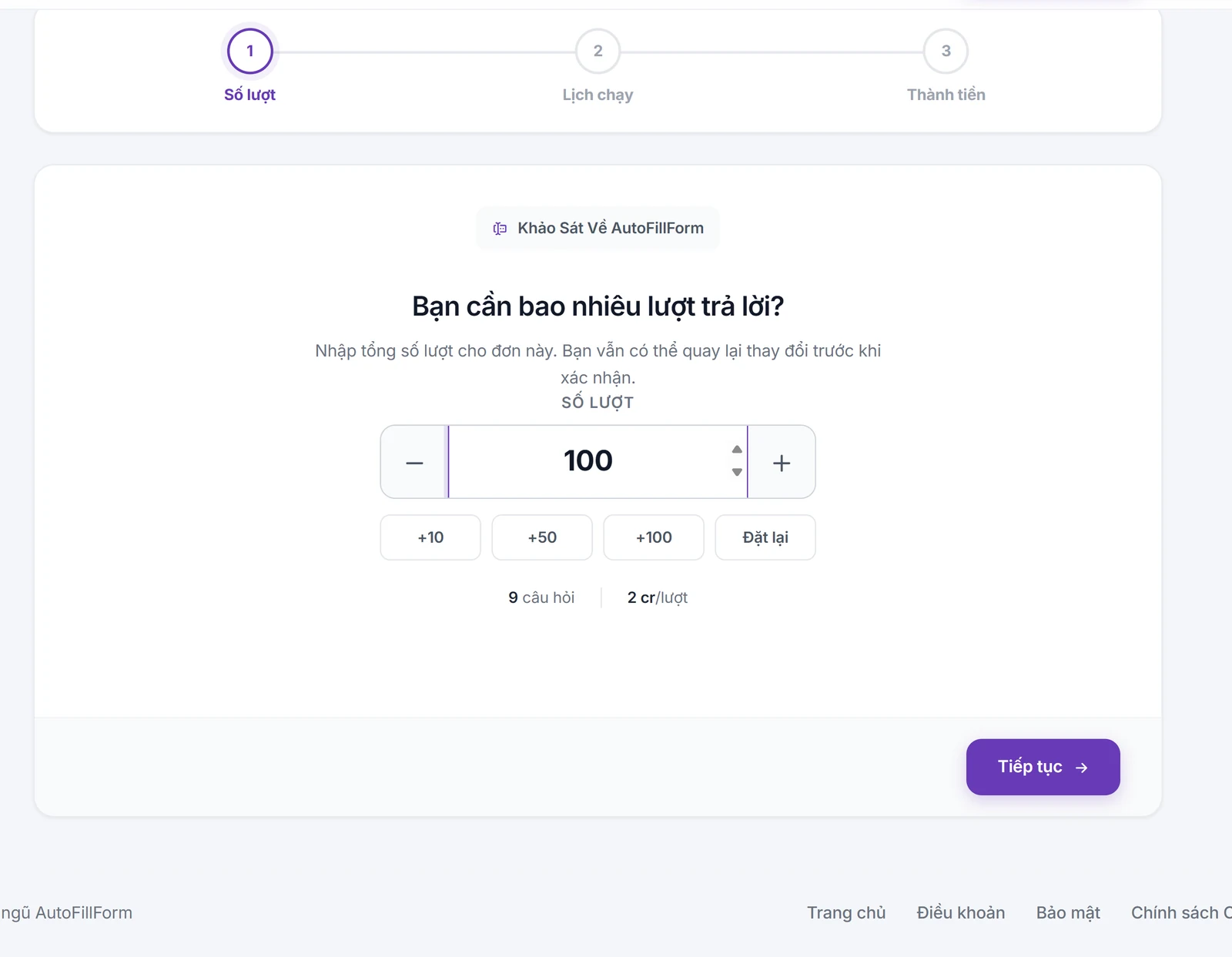
    Choose how many responses to fill
    Choose how many responses to fill
  2. 2

    Choose a schedule

    Use a finish time or gap, then choose the start time.
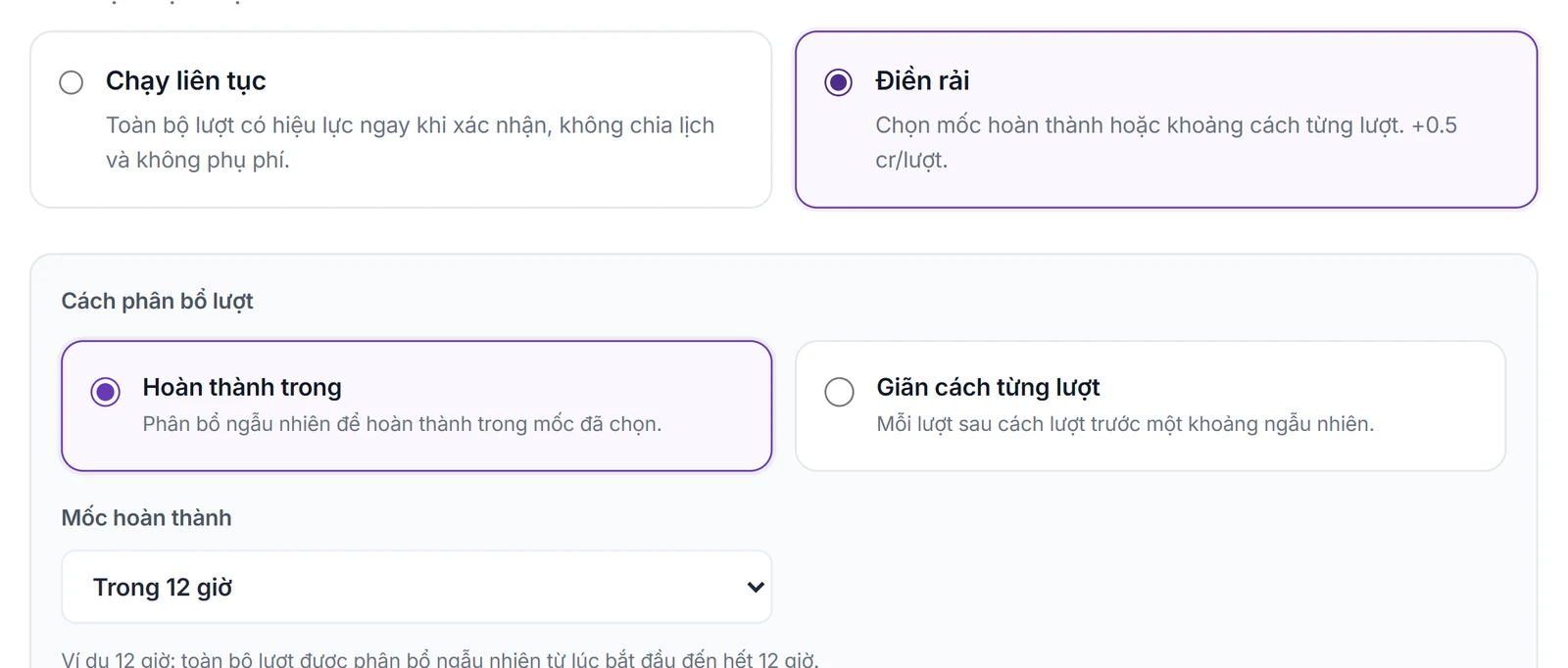
    Choose Spread out: finish within a time span or space out each response
    Choose Spread out: finish within a time span or space out each response
  3. 3

    See the estimate

    Check the end time, cost and night policy before confirming.
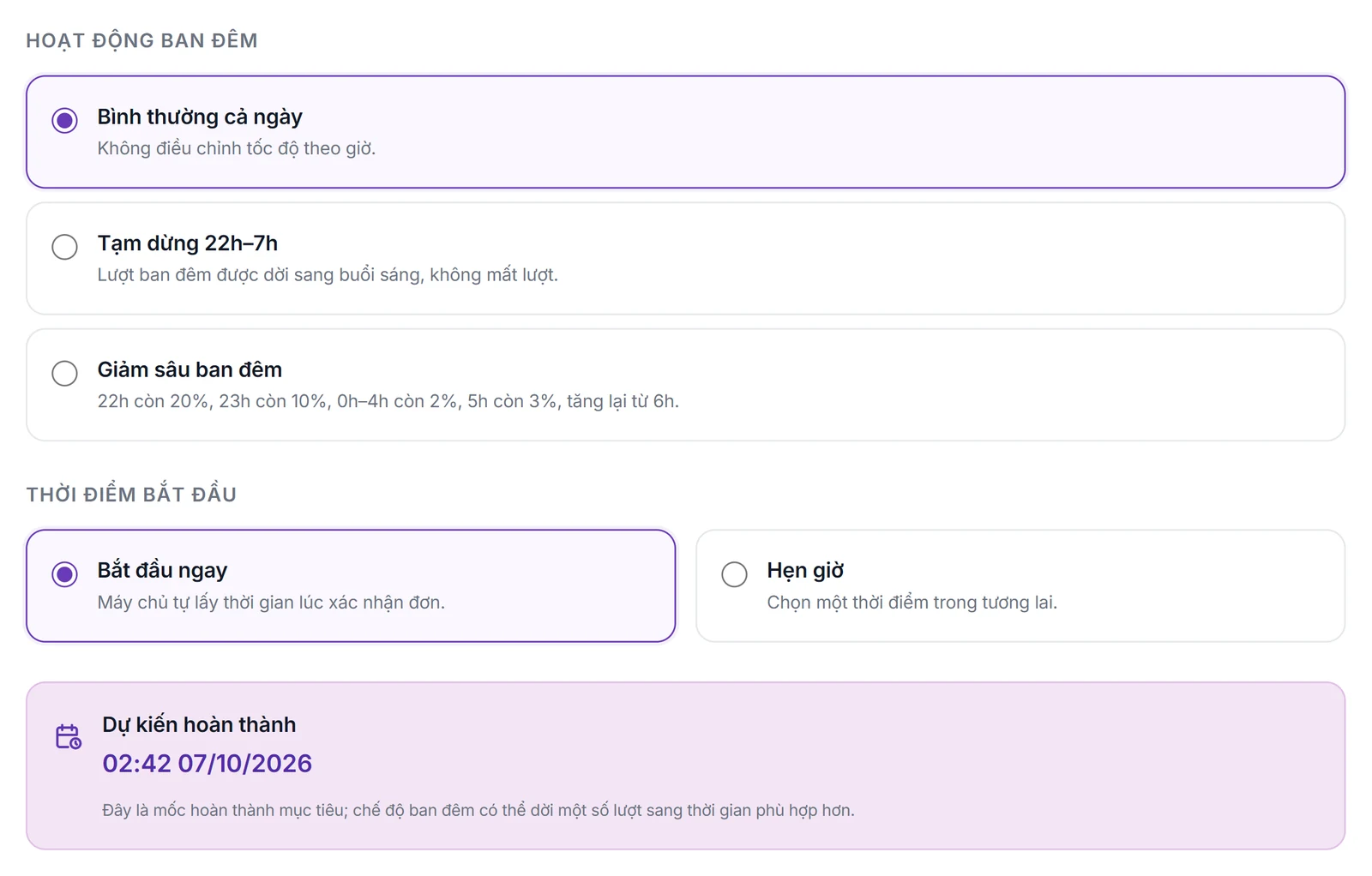
    Choose night mode, start time and see the expected finish
    Choose night mode, start time and see the expected finish

What you need

  • Only Spread mode shows the finish time, gap and night options.
  • The scheduled time must be now or in the future when you confirm.

Limits to know

  • The finish time is an estimate; a slow Google Form or network can change the pace.
  • Slowing down at night is a scheduling mechanism, not a promise to imitate real users' identities.
Quick answers

Frequently asked questions

No. Continuous runs queue every response at once; the night option only applies to spread-out filling.
The order page calculates and shows the expected finish time from the number of responses and the chosen gap.
100 Credit for new accounts

Start with your form

Import, set up and see the cost before running.
Create a free account