Standard form filling
Control every answer before running
Import a Google Form or Microsoft Forms, distribute answers by ratio, prepare written answers, set rules and choose when responses are sent.
See the detailed workflow
AutoFillForm imports your Google Form link, sets answer ratios, spreads responses over time and writes open answers with AI, for legitimate surveys.
104 seconds to learn how to fill a Google Form by ratios. Clear steps, easy to follow.
Start with your formWatch the guide, then try it on your own form.
Explore the real interfaceImport the form, set ratios or prepare open answers before creating the response queue.
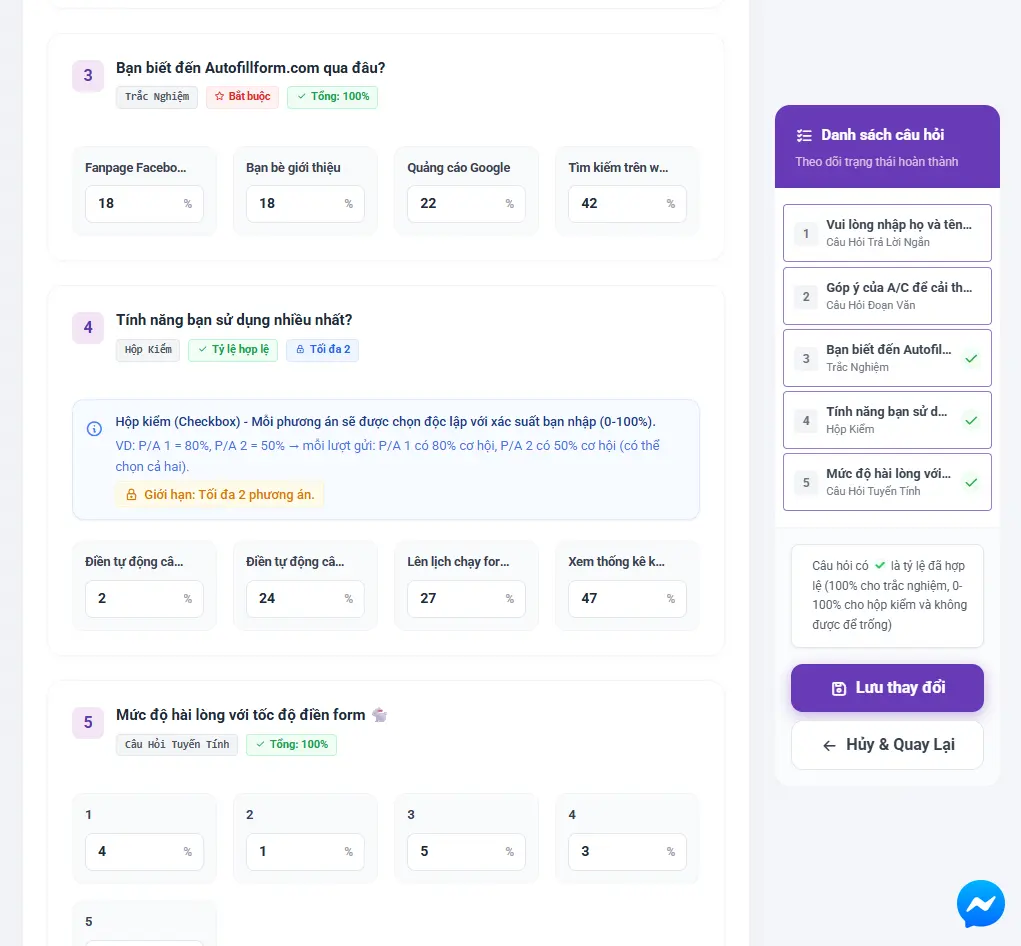
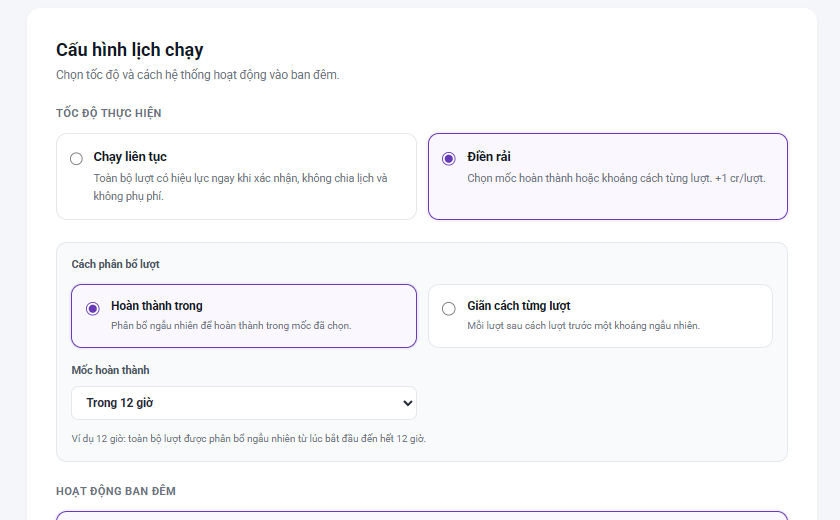
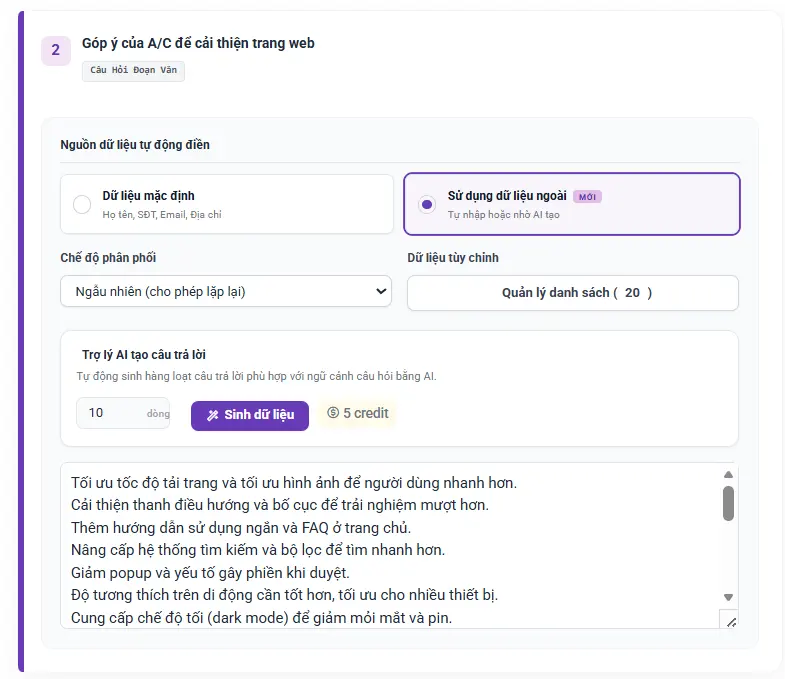
Choose a finish time or a gap between responses. AutoFillForm shows the expected schedule before you confirm the order.
How do you rate the form setup experience?
What did you find most useful?
Each workflow below runs on its own engine. Click to see its full features, conditions and real limits.
Import a Google Form or Microsoft Forms, distribute answers by ratio, prepare written answers, set rules and choose when responses are sent.
See the detailed workflow
Assign questions to factors, generate or import data, check the quality indicators, then export CSV and IBM SPSS syntax.
See the detailed workflow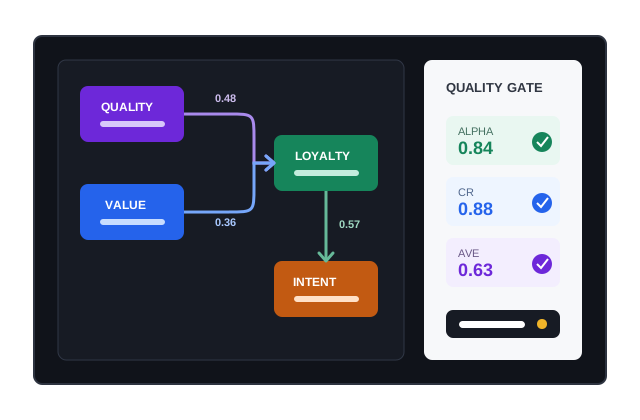
GG Form, Auto GG and GG Survey are short names Vietnamese users often use when looking for Google Form tools. See Google Forms auto filler on the web, or pick a detail page below to learn the exact features, conditions and limits before running. No form yet? Design Google Forms with AI for free, then come back to fill it. Survey made in Microsoft Forms? See Microsoft Forms auto filler.

Auto-fill Google Forms on the web.
View details
Autofill Microsoft Forms by ratio.
View details
Split answers by exact percentages.
View details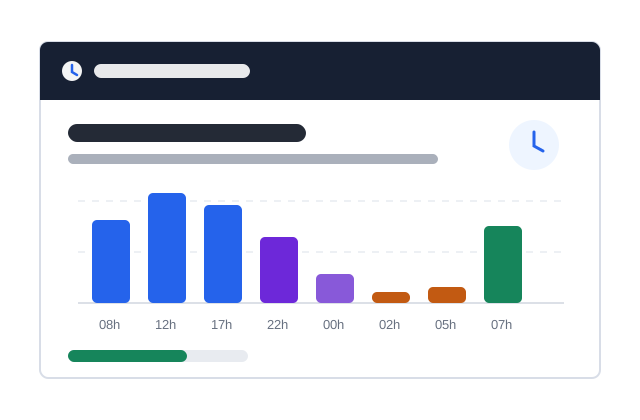
By deadline or per response.
View details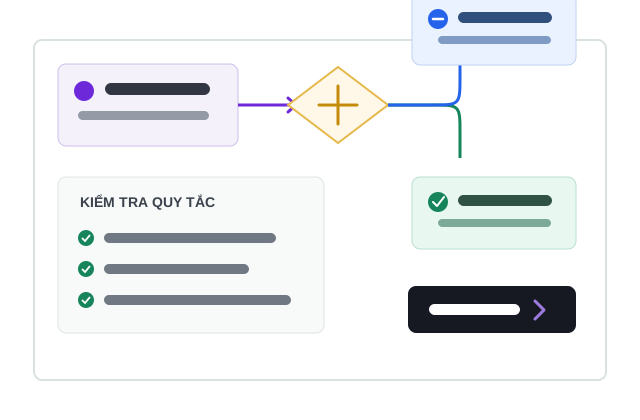
Keep answers consistent.
View details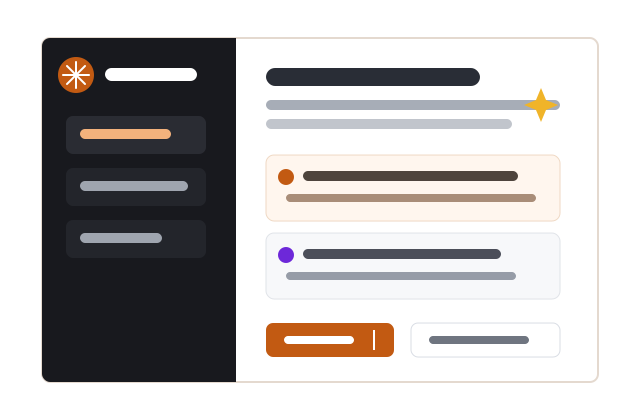
Let AutoFillForm write them or have the AI draft them.
View details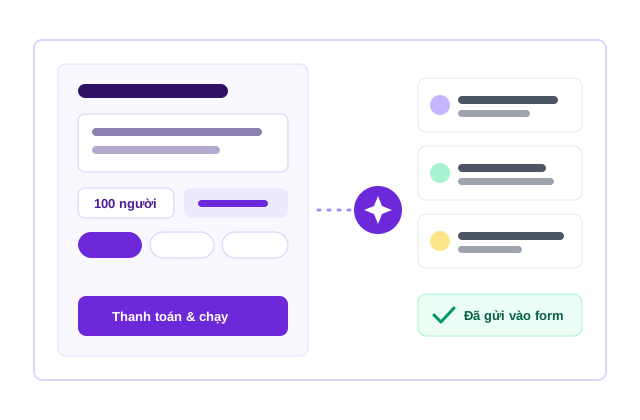
Describe the respondents, the AI does the rest.
View details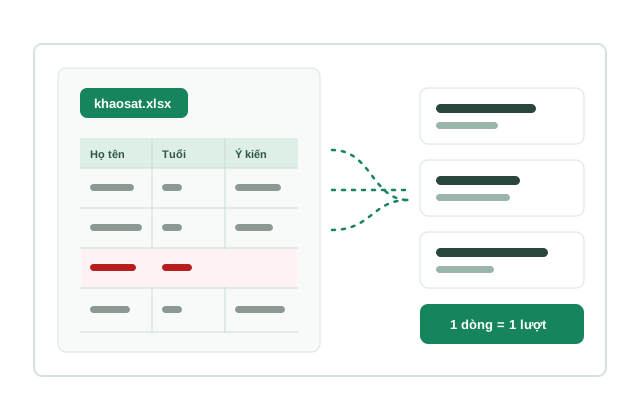
Each Excel row becomes one response.
View details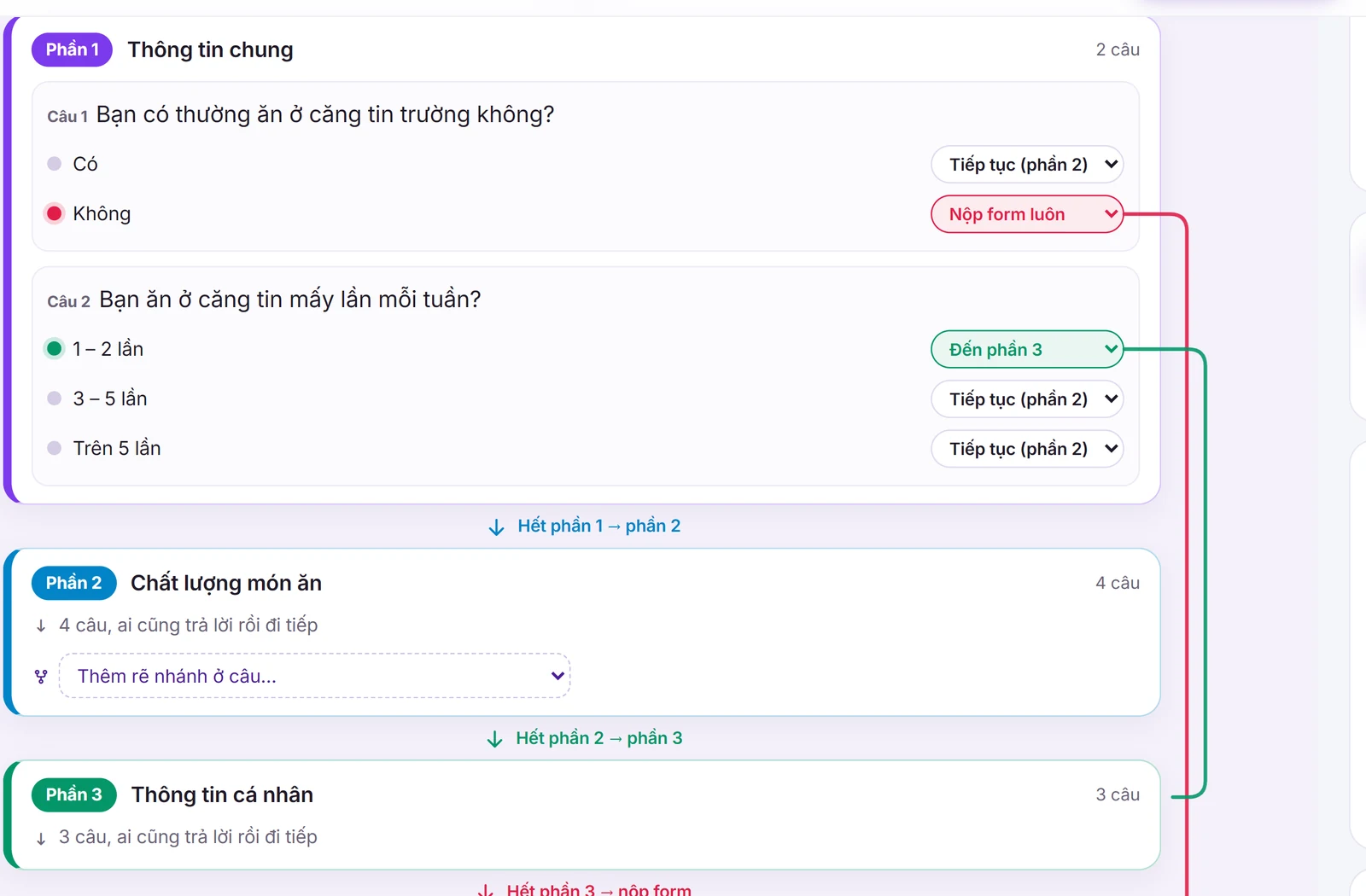
Describe the survey, the AI designs the form.
View details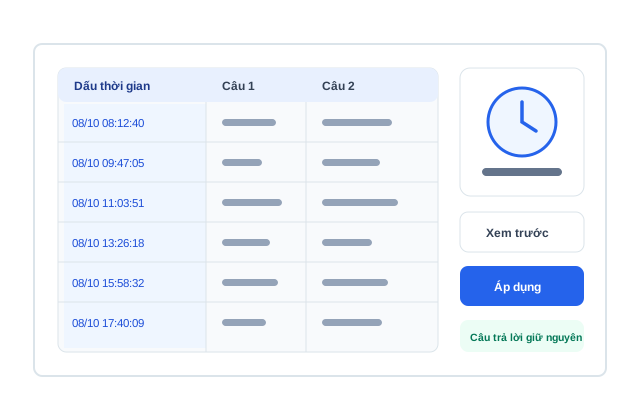
Fix the Timestamp column, free.
View details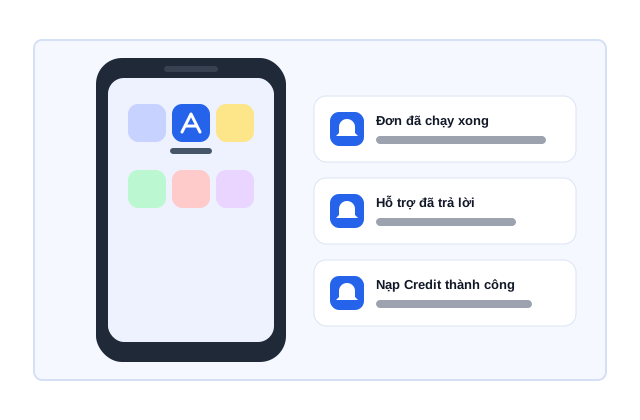
Install the app, get instant notifications.
View details
Generate and test Likert data.
View details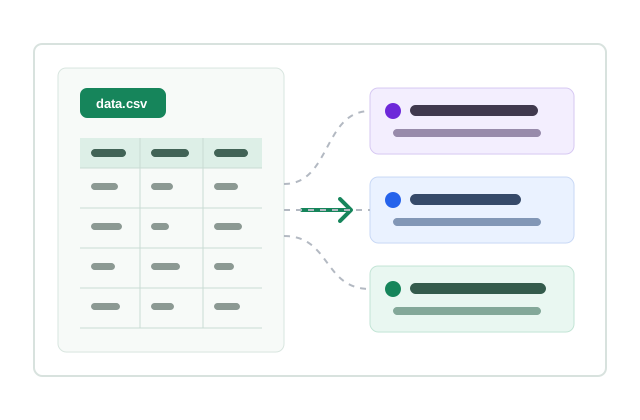
Map CSV columns to the model.
View details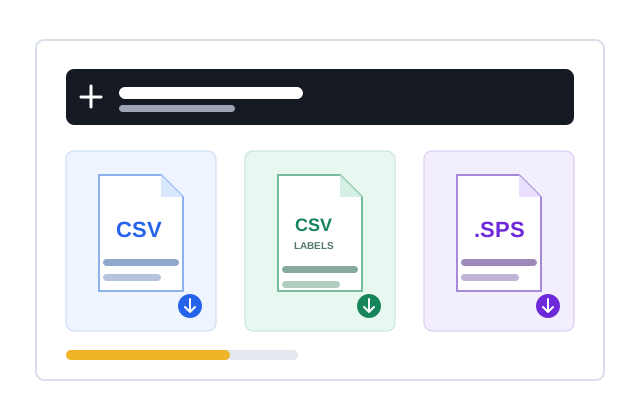
Coded CSV, labels and a .SPS file.
View details
The SPSS editor is separate from standard form filling: map questions to constructs, declare paths, generate or import data and recompute indicators on the final data set.
Priced in Credit, transparent by number of questions and the scheduling option.
For more than 50 responses
| Form type | Questions | Base cost | Spread-out option | Total cost (with spreading) |
|---|---|---|---|---|
| Short form | Under 10 questions | 2 Credit/response (~80 VND) | +0.5 Credit/response (~20 VND) | 2.5 Credit/response (~100 VND) |
| Medium form | 10-20 questions | 4 Credit/response (~160 VND) | +1 Credit/response (~40 VND) | 5 Credit/response (~200 VND) |
| Long form | 21 questions or more | 5 Credit/response (~200 VND) | +1 Credit/response (~40 VND) | 6 Credit/response (~240 VND) |
Free for your first 50 responses! Then from just 2 Credit/response for short forms.
Quick answers to the most common questions about AutoFillForm.
Just paste your Google Form URL and AutoFillForm analyses the questions. Then you set the answer ratios and place an order, and the form is filled automatically.
Yes. Paste the Microsoft form's share link (forms.office.com) into the link box as with a Google Form: the questions, Likert scales and branching are read, you set ratios and place an order, at Google Form prices. See Microsoft Forms auto filler.
GG Form and GG Survey are common Vietnamese shorthand for Google Forms and Google Form surveys; Auto GG usually means automating a form. AutoFillForm imports the form, checks the questions and sets ratios, open answers and the schedule. See also Google Forms auto filler on the web.
Not quite. Google or Chrome Autofill re-enters your personal details in one form. AutoFillForm is a form filler for Google Forms surveys: it reads the question structure and lets you prepare ratios, open answers and a schedule before creating responses; no extension needed.
Yes! Every new account gets 100 free Credit (~ 50 responses). You also get 100 Credit every month when you sign in.
Absolutely! We hash passwords, use HTTPS and never sell or share personal data with third parties. Details in our Privacy Policy.
Yes! AutoFillForm uses AI to write natural, varied open answers. You can also enter your own list of answers.
Yes! You can schedule filling during office hours, spread evenly over the day or over several days so the data arrives as planned.
AutoFillForm is priced in Credit. Forms under 10 questions are 2 Credit/response, 10-20 questions 4 Credit/response, 21+ questions 5 Credit/response. Scheduled spreading adds 0.5-1 Credit/response.
Yes. Enter a percentage for each choice, use the automatic suggestions or fine-tune them before placing the order.
It suits students, researchers, teachers, marketing teams and operations teams who need to manage Google Form responses in a controlled way.
No. AutoFillForm is built for legitimate surveys you are allowed to run. Do not use it to spam, cheat or tamper with other people's forms.