Skip navigation
  1. Home
  2. Features
  3. Fully automatic with AI
Standard form filling

Fully automatic AI form filling: describe the respondents, the AI does the rest

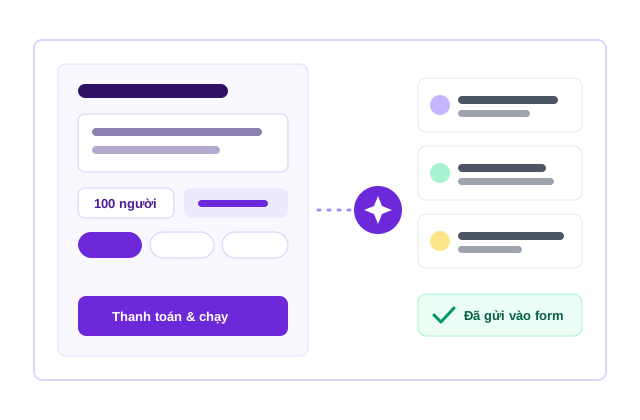
No ratios to set, no answers to type, no order to place: choose the form, briefly describe who answers and pay. The AI writes each respondent and submits to Google Forms at the speed you choose.

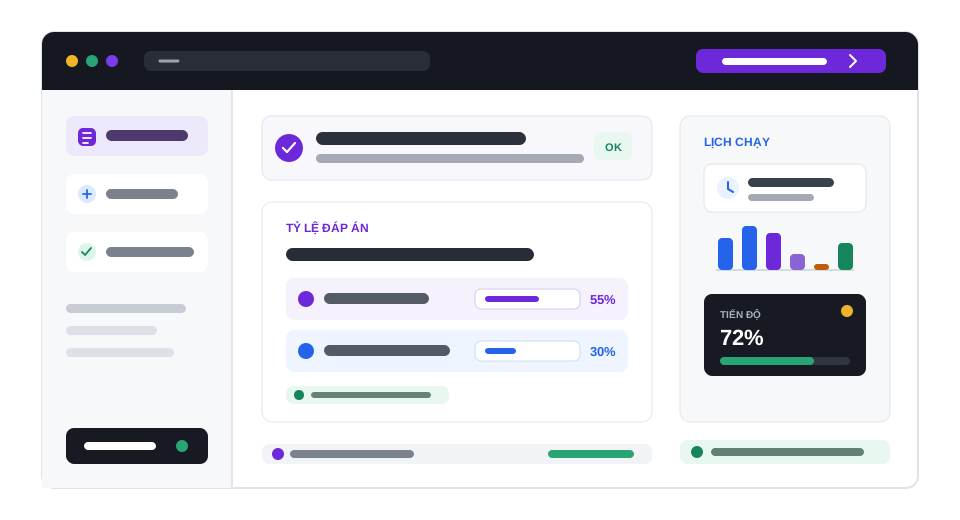
Fully automatic with AI illustration

Quick facts updated

What you do
Choose the form, describe the respondents, set the number, pay
AI fee
1 Credit/person (≤20 questions), 1,5 (21–50 questions), 2 (>50 questions)
Plus
The normal submit price per response: 2, 4 or 5 Credit by question count
Preview
3 respondents free, up to 10 times/day
Maximum
1.000 respondents per run
Submit speed
Fastest, over 1 days or 1 weeks
See it in the product

One page: form, respondents, speed and cost

Choose the form, describe the respondents, see the itemised cost and pay. The 1-minute 46-second video below records the whole process on the real app.

3 Free preview respondents
1–2 AI Credit / person
1.000 Max people / run
Choose a form Describe the respondents Payment The AI writes and submits
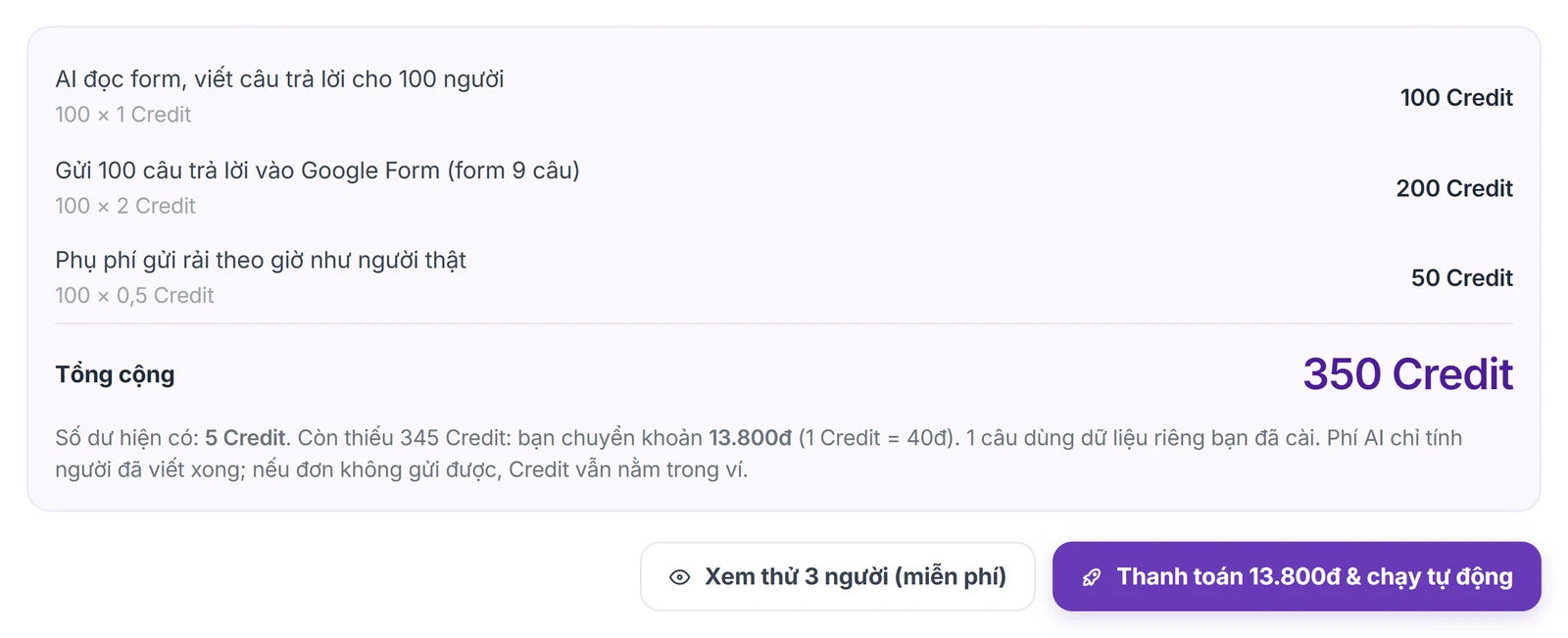
Itemised cost table before payment
What it does

When should I use the automatic mode?

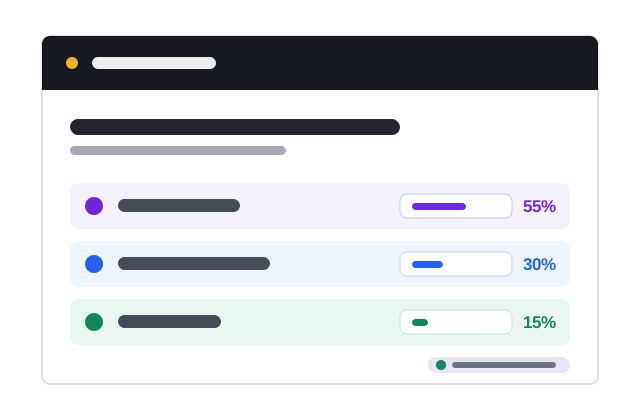
Use it when you need a complete set of responses for a form, e.g. to trial a questionnaire, check branching, make sample data for a demo or practise analysis, without setting ratios for every question. Describe the respondents (e.g. "year 1–4 students in Ho Chi Minh City, about 70% female"); the AI works out how each person answers the choice questions and writes fitting open answers. To control every percentage yourself, use Fill by ratios.

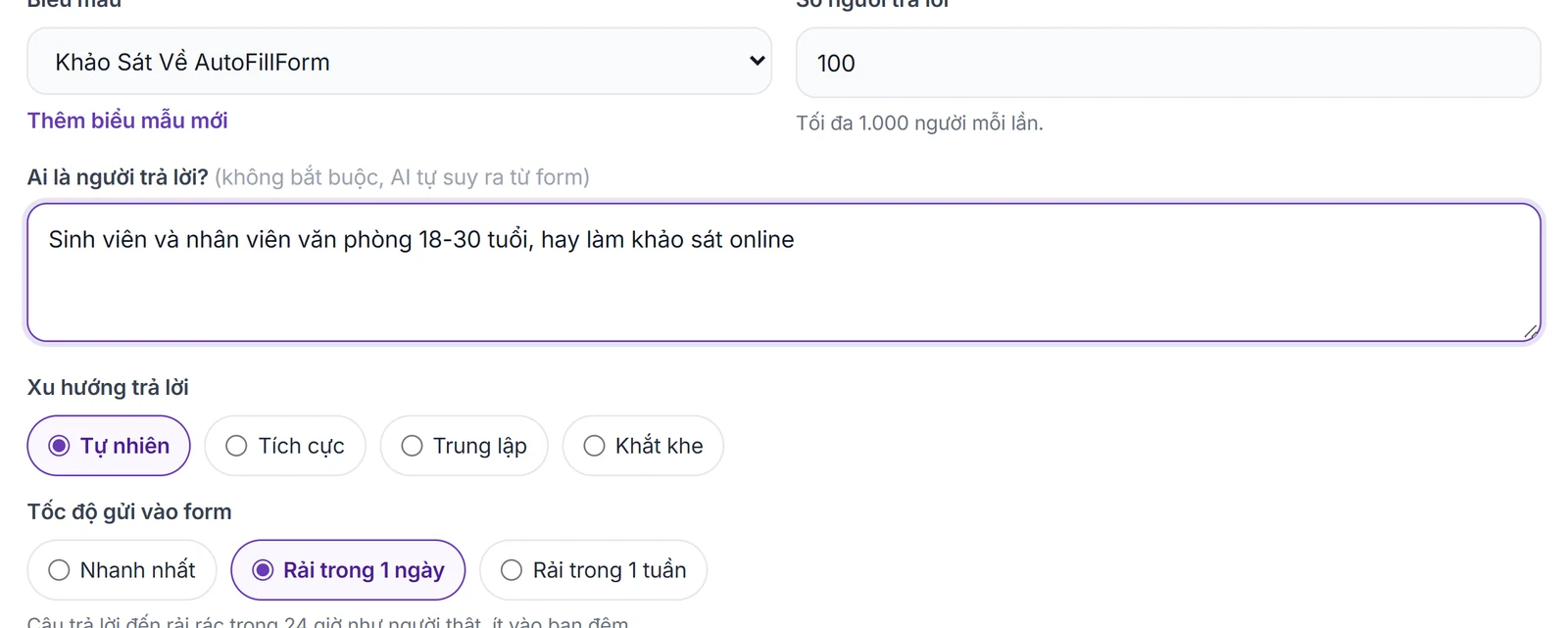
Just choose the form, describe the respondents (optional, the AI infers it from the form) and the number of people, up to 1.000 per run.
Choose the answer tendency: Natural, Positive, Neutral or Critical.
Choose the submit speed: Fastest, Over 1 days or Over 1 weeks.
The AI picks answers and writes open answers for each person, following the form's section flow and "Response validation" rules.
Questions where you set your own data (names, emails, answer lists) still use your data.
Press "Preview 3 respondents (free)" to read how the AI answers first, up to 10 times a day.
The AI starts when the money arrives; you can close the page and you'll get a notification and email when it's done.
How it works

How to use Fully automatic with AI in 3 steps

The whole process is on one page; after payment the rest runs on our server.

  1. 1

    Choose the form and describe

    Go to Fill forms → Fully automatic with AI, choose the form, enter the number of people and a short description of the respondents.

    Choose the form, the number of respondents and a short description of them
    Choose the form, the number of respondents and a short description of them
  2. 2

    Choose tendency and speed

    Choose the answer tendency and submit speed, press Preview 3 respondents if you want to read first, then check the itemised cost.

    Itemised cost table, Preview 3 respondents and Pay & run automatically buttons
    Itemised cost table, Preview 3 respondents and Pay & run automatically buttons
  3. 3

    Pay & run automatically

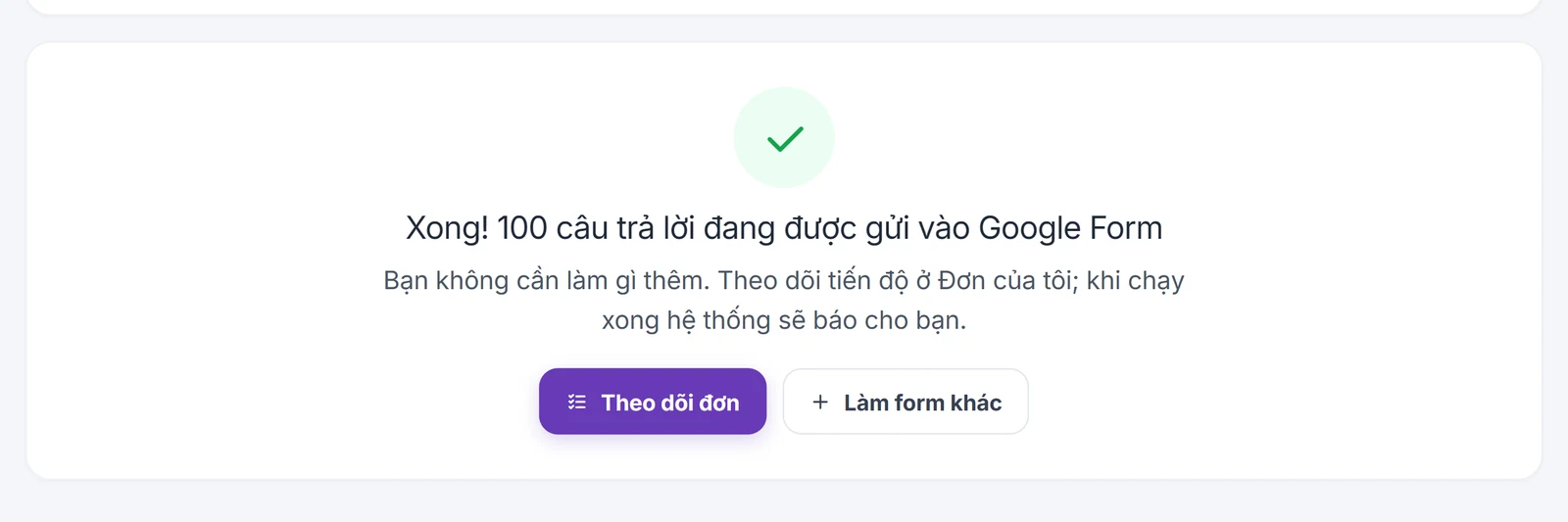
    Press "Pay & run automatically", scan the QR code if you need Credit; the AI writes and submits to the form, and you follow it in My orders.

    The AI has written 100 responses and is submitting them to Google Forms
    The AI has written 100 responses and is submitting them to Google Forms

What you need

  • The form was added to AutoFillForm with the Google Form edit link.
  • The Google Form is accepting responses, not limited to 1 response and not collecting "Verified" emails.
  • Cost = AI fee (1 Credit/person for forms up to 20 questions, 1,5 Credit for 21–50 questions, 2 Credit over 50 questions) + the normal submit price per response, plus a surcharge if spread over time.

Limits to know

  • The AI fee only counts finished respondents; the answers are AI-generated, not real people's opinions.
  • Use it for legitimate survey purposes (testing a form, sample data, demos); do not present it as real survey results.
  • There is a secondary option "only create the respondents, order later" if you want to adjust the schedule before sending.
Quick answers

Frequently asked questions

The AI fee is 1 Credit/person (forms up to 20 questions), 1,5 Credit (21–50 questions) or 2 Credit (over 50 questions), plus the normal submit price per response (2, 4 or 5 Credit by question count) and a surcharge if spread over time. E.g. a 15-question form, 100 people, Fastest: 100 + 400 = 500 Credit. 1 Credit = 40 VND.
Yes. Press "Preview 3 respondents (free)" to read 3 sample respondents before paying, up to 10 times a day.
No. The AI starts on our server as soon as the money arrives and places the order itself; you can close the page and you'll get a notification and email.
Fill by ratios lets you set percentages for each answer and place the order yourself. Fully automatic with AI only needs a description of the respondents; the AI decides the answers and submits them.
The page shows the shortfall; scan the QR code to pay it (minimum invoice 10.000 VND) and the AI starts when the money arrives.
100 Credit for new accounts

Start with your form

Import, set up and see the cost before running.

Create a free account