Skip navigation
  1. Home
  2. Features
  3. Fill by ratios
Standard form filling

Fill surveys automatically by answer ratios

Distributes how often each answer is chosen by the percentages you set, and checks the totals before creating the order.
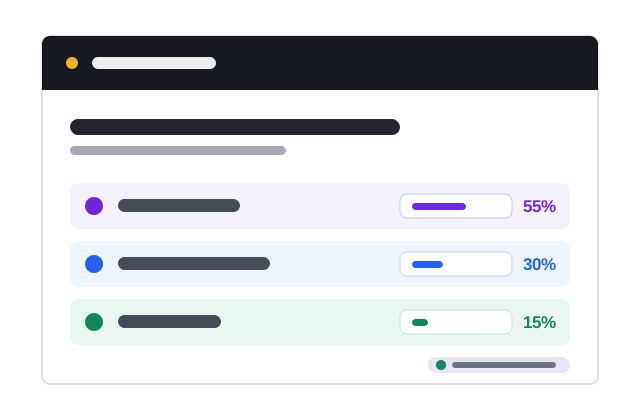
Fill-by-ratio illustration

Quick facts updated

Question type
Multiple choice, checkboxes, dropdown, scale, rating, grid
Total rule
Required questions must reach 100%; optional questions 0% or 100%
Suggestions
Natural ratios pre-filled; AI ratio analysis free 5 times/day
Reuse
Export and import ratio files
See it in the product

Visual setup on the imported data

Key information is shown as status, ratios and check results instead of a long block of instructions.
100% Ratio total
4 Sample choice
Ready Status
Import form Configure Check Create order
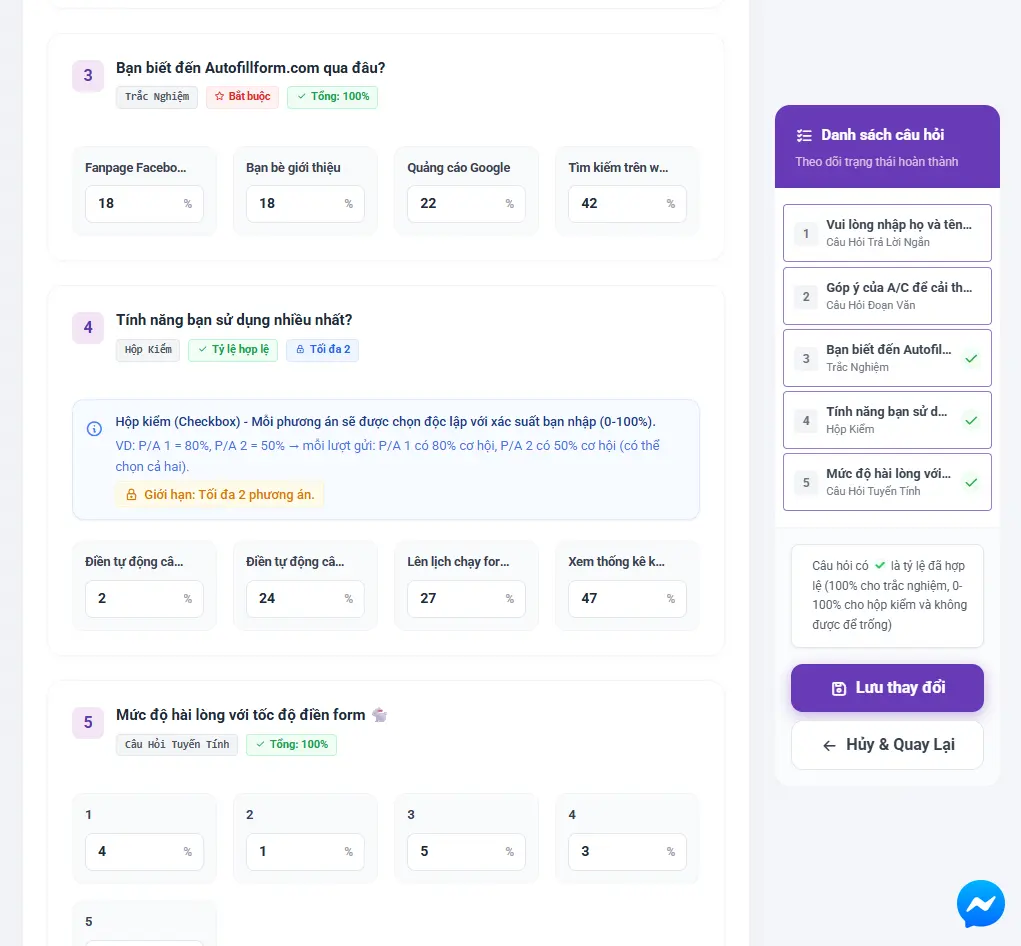
The real question and ratio setup in AutoFillForm
Ratios and rules are checked before saving
What it does

When to use it?

When you already have the expected sample structure, such as gender, age or agreement levels, and need to control the distribution on each choice question.

Enter a percentage for each choice and see the total right in the interface.
Supports single choice, dropdown, checkbox, grid and scale questions where the form allows.
Responses are allocated by ratio over the order's total.
Clear warnings for any question not at 100% before Credit is charged or responses are created.
How it works

How to use Fill by ratios in 3 steps

Every step has a clear status and check.

  1. 1

    Import the form

    Paste the Google Form link so its questions, choices and required fields are read.

    A freshly imported form: AutoFillForm pre-fills the ratios, you check, save and order
    A freshly imported form: AutoFillForm pre-fills the ratios, you check, save and order
  2. 2

    Set ratios

    Enter a percentage for each answer; each choice question must total 100%.
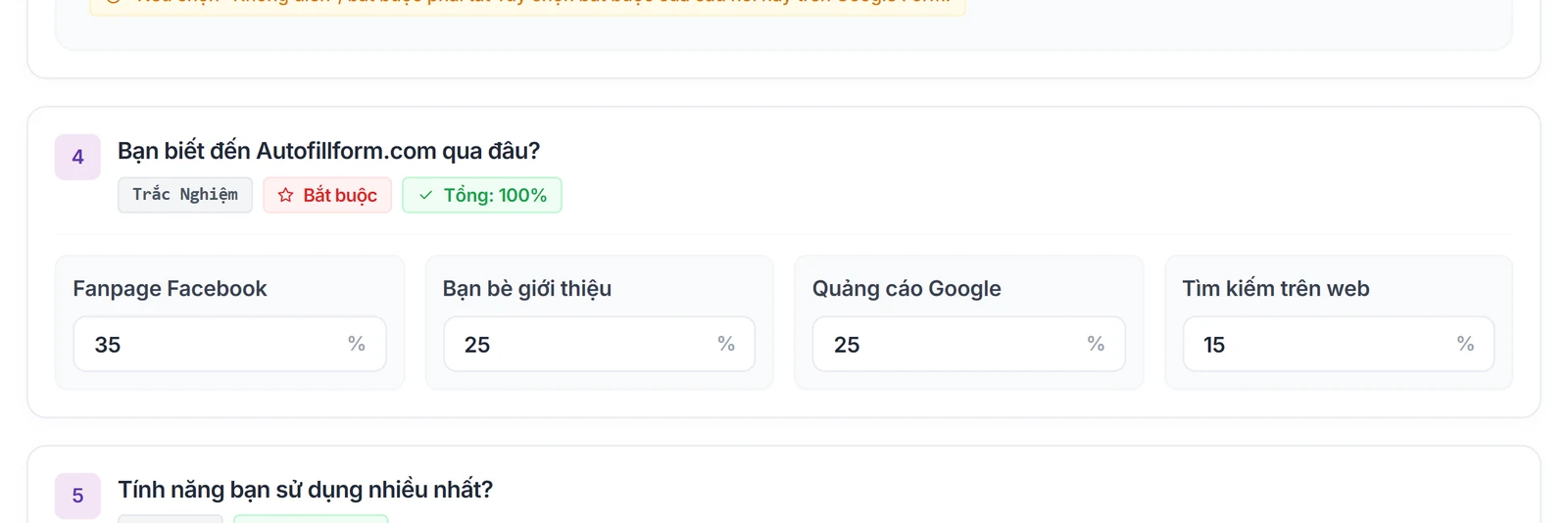
    Percentage box for each answer, each question totals 100%
    Percentage box for each answer, each question totals 100%
  3. 3

    Check and order

    Choose the responses and schedule and confirm the cost before the queue is created.
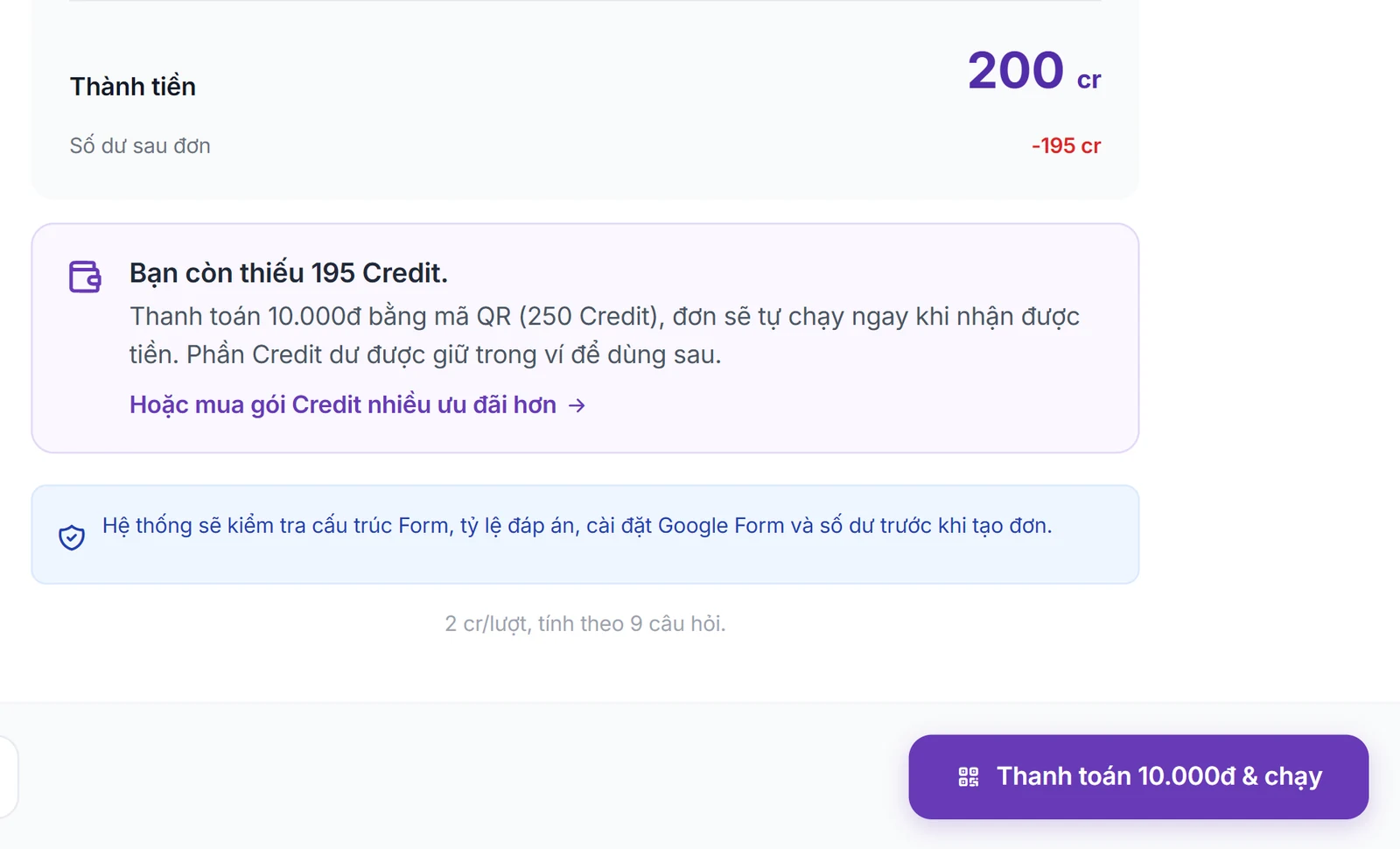
    The Amount step: each cost line before you pay and run
    The Amount step: each cost line before you pay and run

What you need

  • The form is accepting responses and anyone with the link can open it.
  • Every required question needs valid data before running.
  • The ratios of each choice question must total 100%.

Limits to know

  • Ratios are the order's distribution target; actual results may be affected by logic rules or section branching.
  • After the owner edits questions or choices, sync again before a new order.
Quick answers

Frequently asked questions

Yes. A 0% answer is not allocated in the order, as long as the other answers total 100%.
The minimum, maximum or exact number of selections Google Forms requires is respected; one response can hold several answers.
100 Credit for new accounts

Start with your form

Import, set up and see the cost before running.

Create a free account